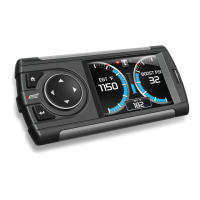
Evolution FORD 4.6 and 5.4 Liter
21
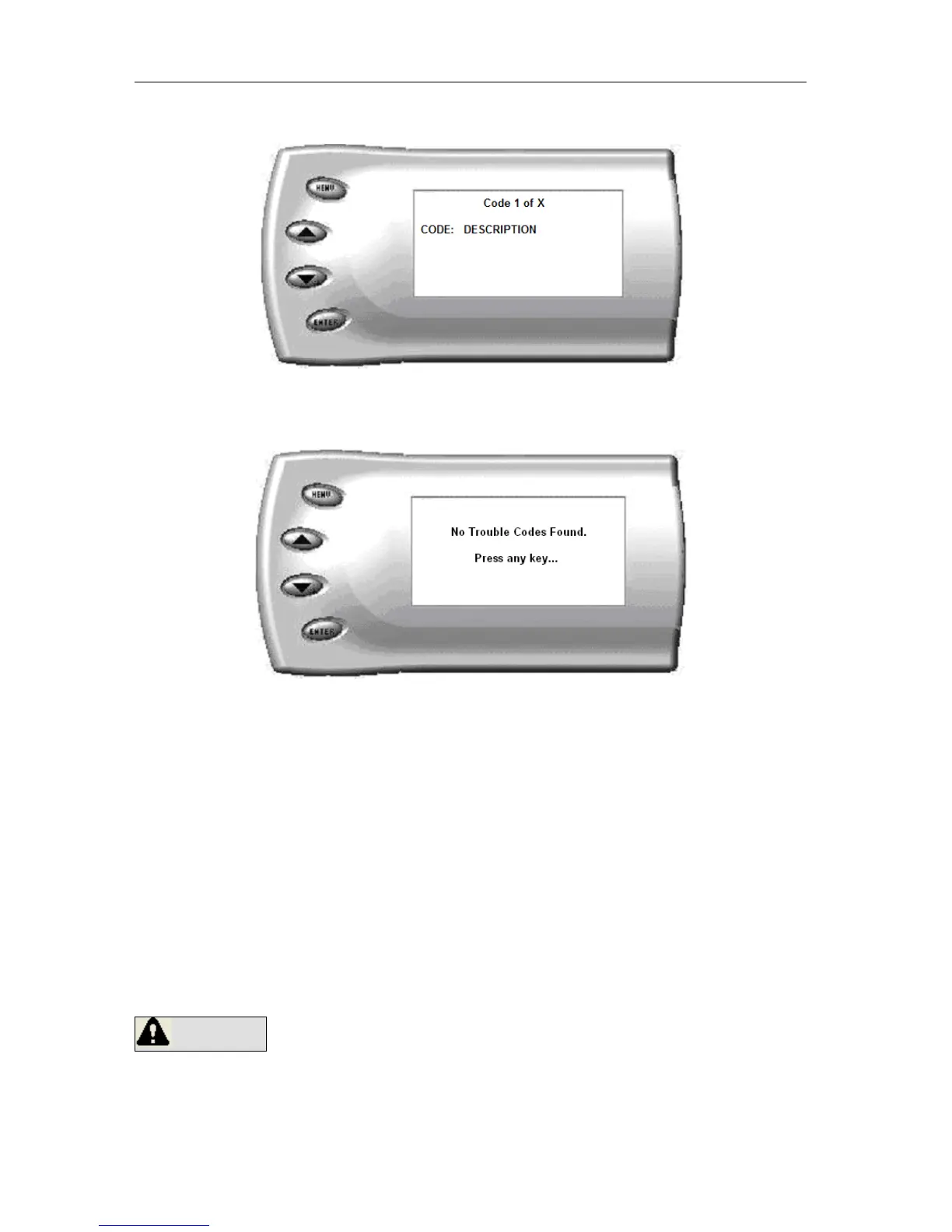
After selecting the Retrieve option, any stored DTCs will appear on the
screen like the following example:
Press [MENU] to exit the DTC list and return to the previous menu.
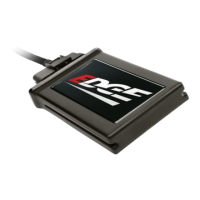
If you have no trouble codes, the following screen will appear:
Clearing Codes
If you want to clear the DTCs on your vehicle, select the Clear DTCs option.
After selecting the Clear DTCs option, any current stored DTCs will be
cleared from your vehicle and the “Check Engine” light will go out. Once the
DTCs have been cleared, press [ENTER] to return to the previous menu.
CAUTION: If you do not address the issue that originally caused the DTC,
the DTC will set again and the “Check Engine” light will come back on. If a
trouble code is set repeatedly and does not clear, the user must take action to
define and correct the problem. Failure to correct the problem could result
in powertrain damage. The user must become familiar with the codes and the
potential problems if left uncorrected.
WARNING Some Codes are set as a result of using aftermarket
products. Some trouble codes may have safety implications. Do not clear
codes unless you are familiar with the code and concerns if not corrected.
Use only when necessary, and address all trouble code warnings.


 To Next Page