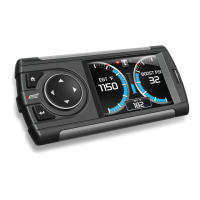
Ford 4.6 and 5.4 Liter Evolution
24
This will show how long it took you to cover 60 feet, 1/8 mile, and ¼
mile. In addition, your MPH at ¼ mile will also be shown (see the
example above). The best run is stored for later viewing. You may also
use the back of this manual to write down your times.
At the end of a ¼ mile run, you will see a reaction time at the top of
the screen. This time begins when the final yellow light is displayed.
The time between the final yellow and the green is a ½ second, so a
perfect reaction time is a ½ second. The average person will see a
response time of around 1 second. You’ll get an “Illegal Start”
message if you start before the green and you’re screen will turn red.
You can still finish the run, but the screen will let you know that you
started before the green light.
Note: The best speed and time is recorded for viewing in the Records section.
5. After the test is complete, press [MENU] to return to the Performance
Menu.
Setup
The Evolution gives you even more additional features. You can choose from
several different parameters to monitor, how these parameters are displayed,
set parameter alerts, and view the highest value that certain parameters have
reached.
Changing the Display View
The Evolution allows you to view multiple engine parameters on the same
screen. To select a desired view, perform the following steps:
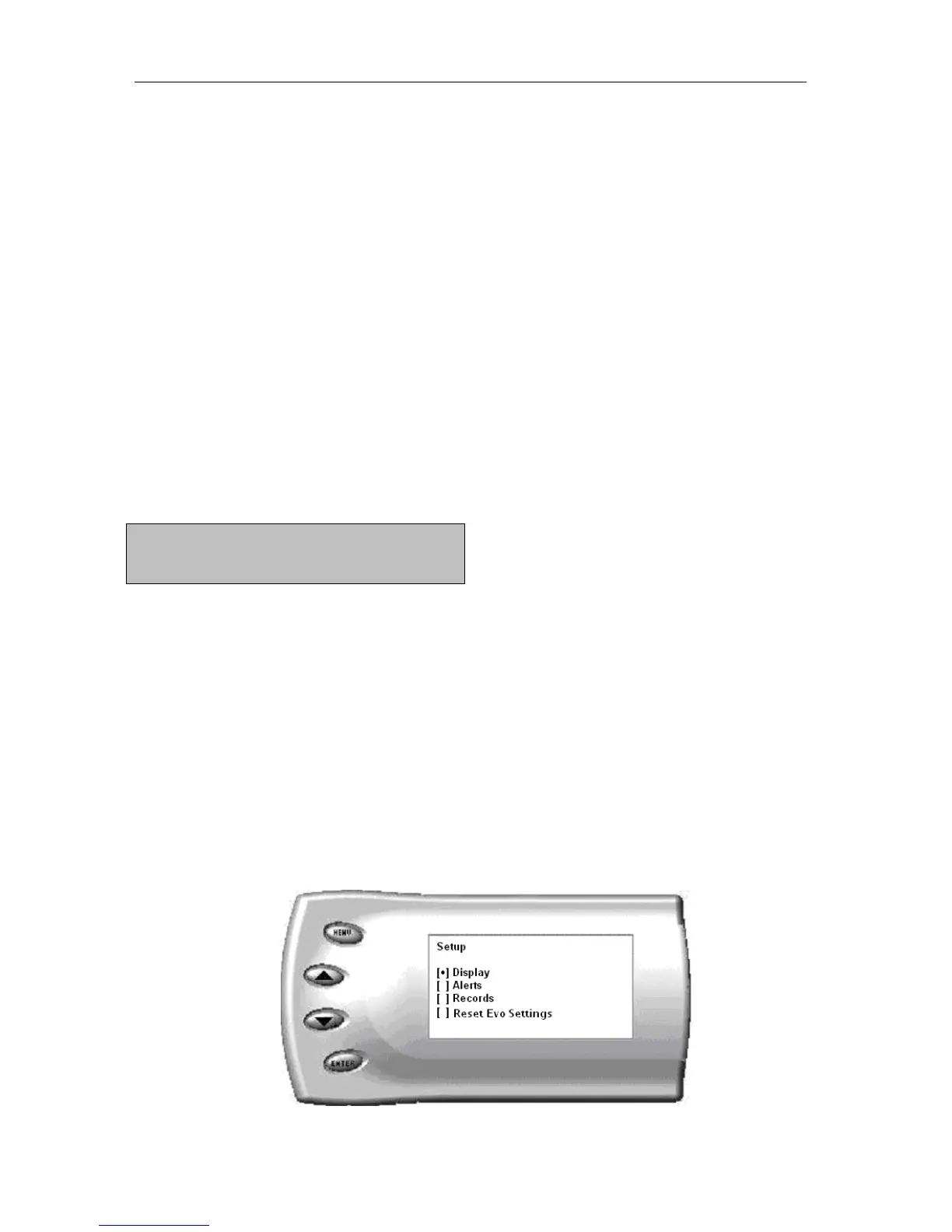
1. From the Main Menu select the Setup option. The Setup screen appears
as follows:

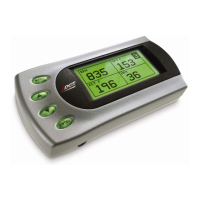

 To Next Page