Ford 4.6 and 5.4 Liter Evolution
30
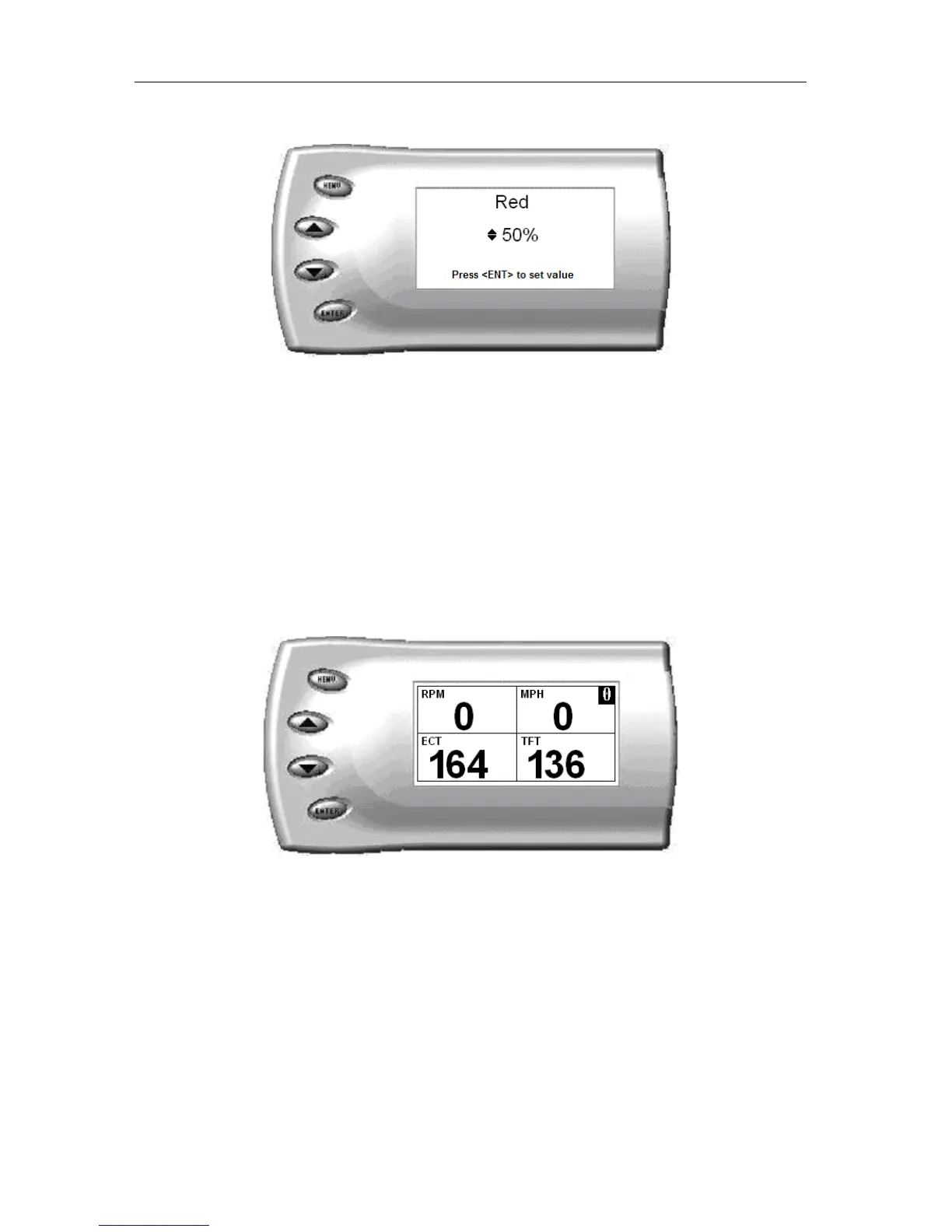
5. Depending on the color you select, a screen similar to the following
appears (example of Red):
6. As you adjust the percentage shown on the screen, you should notice a
change in the color of the screen. Once the desired color value has
been reached, press [ENTER]. If you would like to return to the
previous screen and abort the current color change, press [MENU].
Adjusting the Backlight Brightness
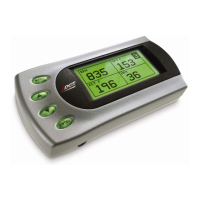
When viewing engine parameters (like the sample below) press the [UP] and
[DOWN] arrow keys to adjust the brightness of the display. Each time the
button is pressed the backlight will either brighten or dim by 10% of the total
brightness. The default setting is 100% brightness.
Adjusting the Contrast
To change the contrast, perform the following steps:
1. From the Main Menu select the Setup option. The Setup screen appears
as follows:


 To Next Page