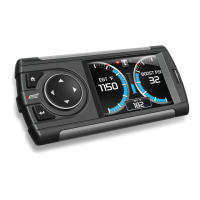
Evolution FORD 4.6 and 5.4 Liter
31
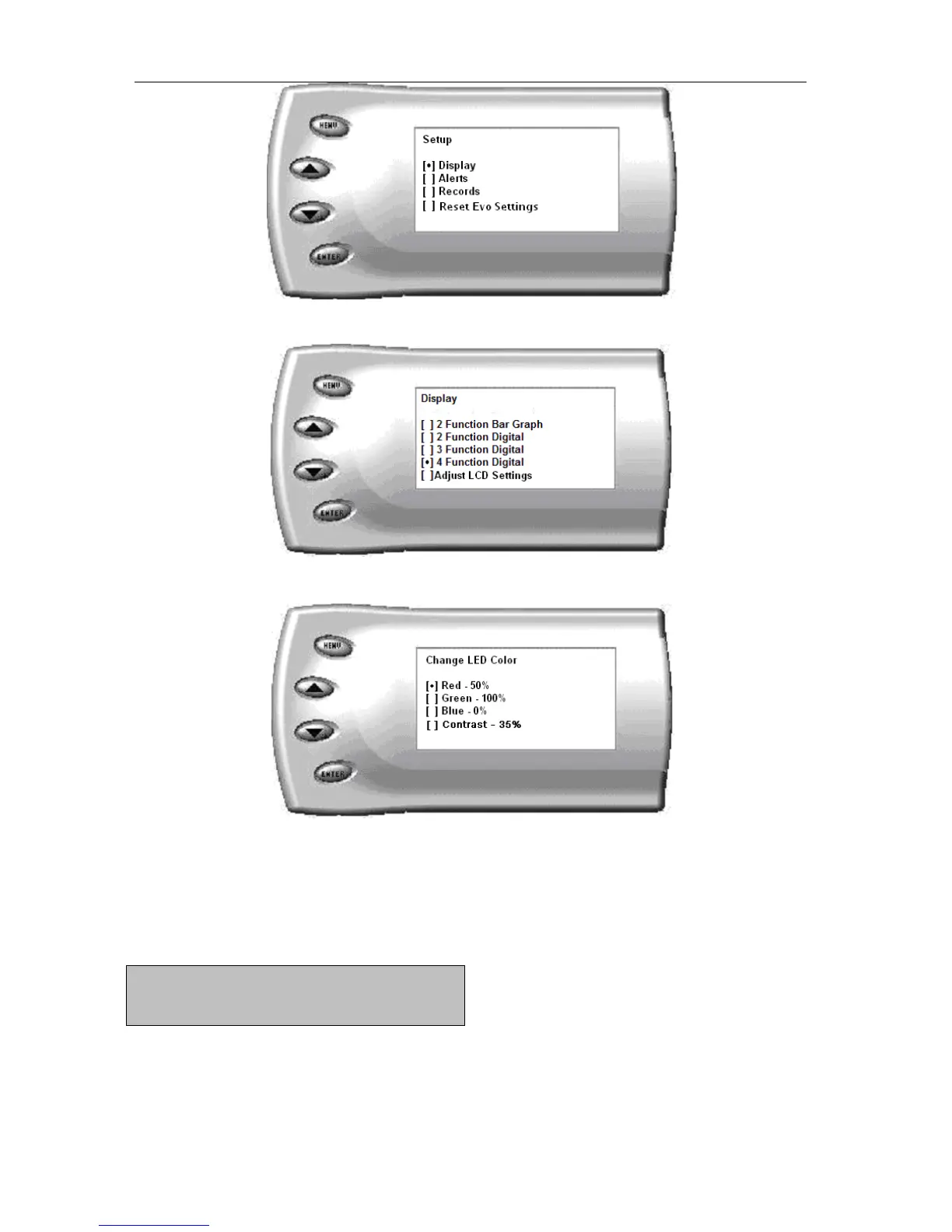
2. Select the Display option. The following screen appears:
3. Select the Adjust LCD Settings option. The following screen appears:
4. Select Contrast, and use the up and down arrows to adjust the contrast
to where you’d like.
Alerts
If you would like to know when a certain parameter reaches a specified
value, you can set an alert for that parameter by following these steps:


 To Next Page