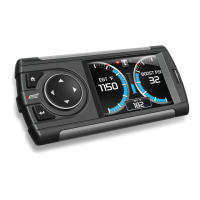
Ford 4.6 and 5.4 Liter Evolution
26
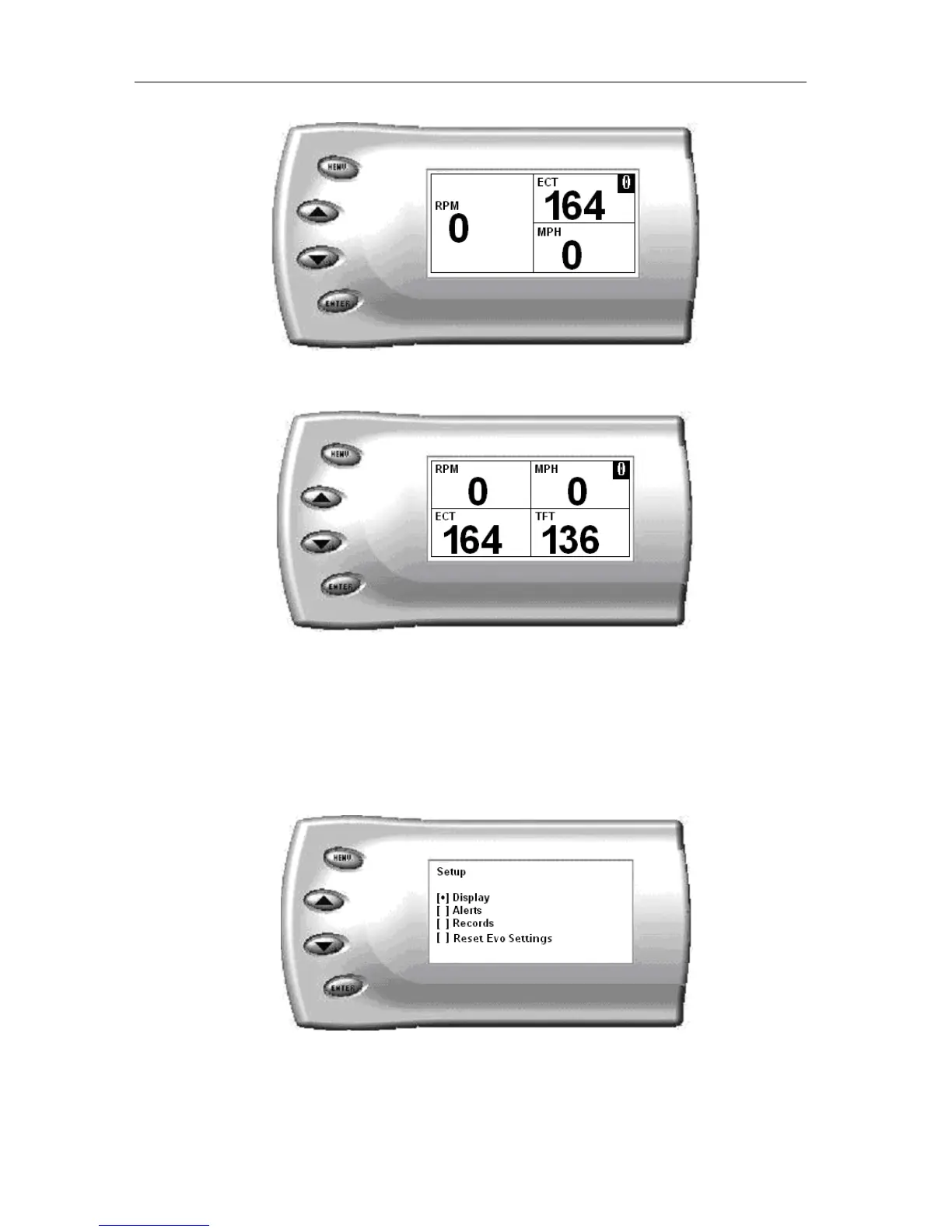
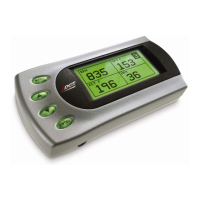
Three Function Digital Display Sample
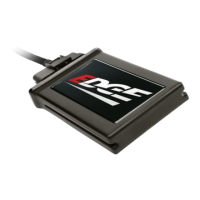
Four Function Digital Display Sample
Changing the Variables on the Screen
To change the variables on the screen, perform the following steps:
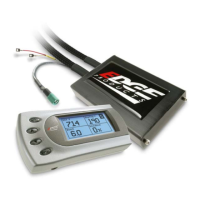
1. From the Main Menu select the Setup option. The Setup screen appears
as follows:
2. Select the Display option. The following screen appears:


 To Next Page