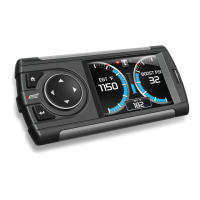
Evolution FORD 4.6 and 5.4 Liter
29
Changing Display Backlighting
Adjusting the Backlight Color
To change the backlighting color, perform the following steps:
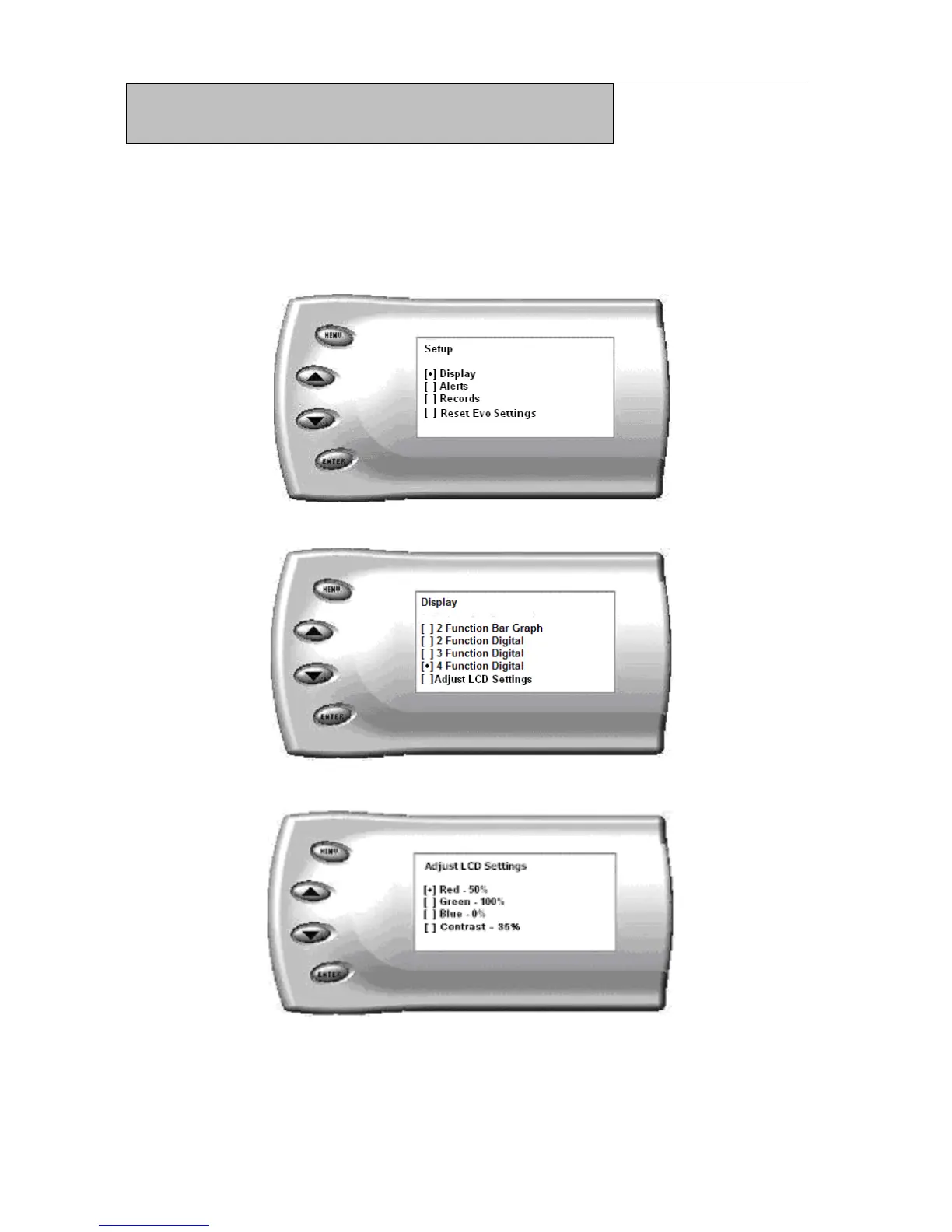
1. From the Main Menu select the Setup option. The Setup screen appears
as follows:
2. Select the Display option. The following screen appears:
3. Select the Adjust LCD Settings option. The following screen appears:
4. Select the color you would like to change.


 To Next Page