10
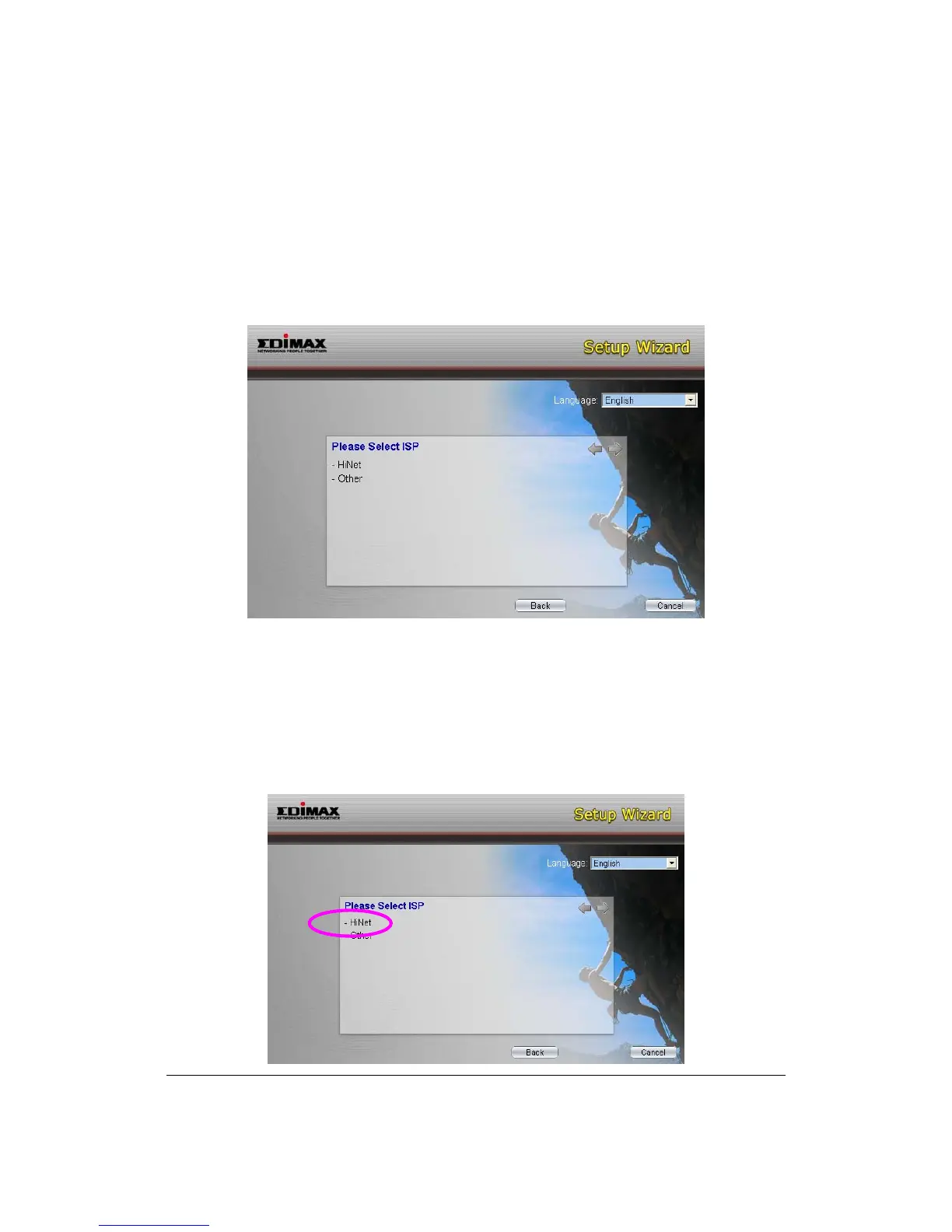
5. The wizard will automatically select the country where you are in by checking
the language of the operating system in your computer and skip to the “Select
ISP” page. Please select the ISP.
If you cannot find the ISP, please click “Other” to reselect the country or
manual configure the ISP information.
3.1. Automatically Set ISP
If you can find the ISP from the wizard, please follow the procedures below to let
the wizard set the ISP settings automatically.
1. Please select the ISP (Internet Service Provider) of your ADSL service.



 To Next Page