62
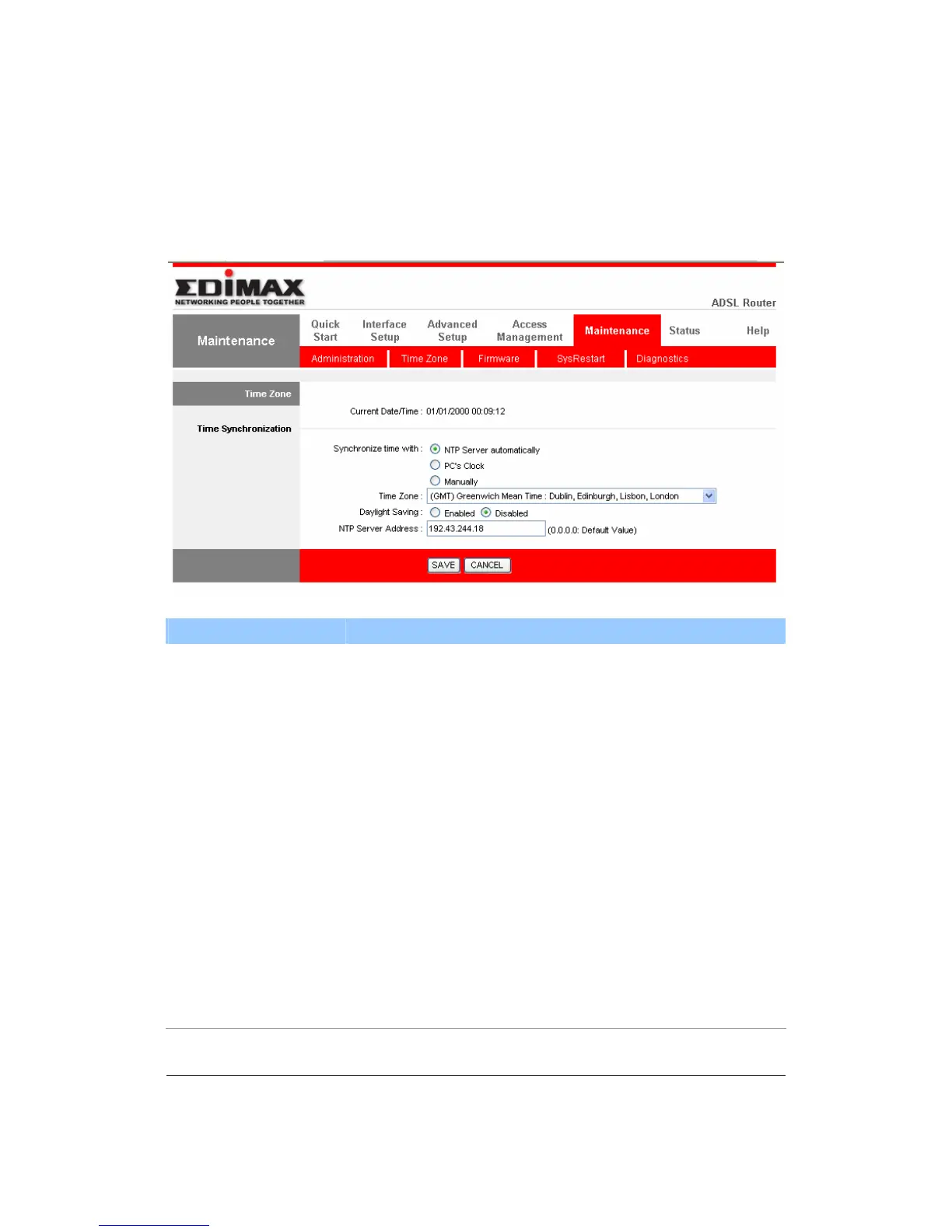
5.5.2. Time Zone
The Time Zone allows your router to set its time; this will affect function such as
System Log.
Parameter Description
Current Date/Time Show the current date/time of the router.
Synchronize time with NTP Server Automatically – Set the time by following
with a NTP Server.
PC’s Clock – Set the time the same as your computer.
Manually – Set the time manually.
Time Zone Select the time zone of the country you are currently in.
The router will set its time based on your selection.
Daylight Saving Select this option if it is in daylight savings time.
NTP Server Address Enter the IP Address of your time server.



 To Next Page