44
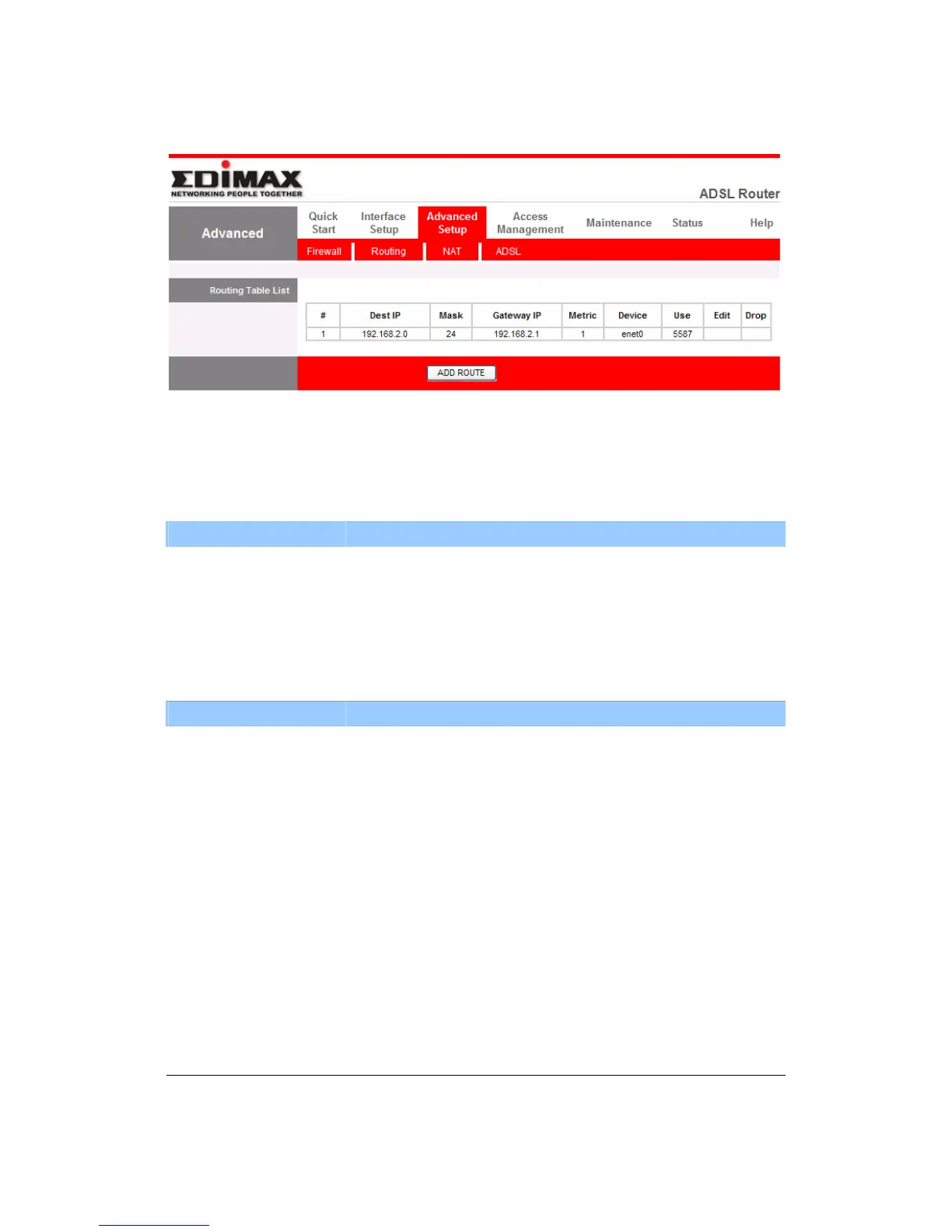
z Routing Table List
You can see the current routing table of the router here. If you want to add
another routing rule, please click “ADD ROUTE”.
Parameter Description
Dest IP Show the IP Address of the destination LAN.
Mask Show the Subnet Mask of the destination LAN. If it shows
“8” that means the Subnet Mask is “255.0.0.0”; “16”
means the Subnet Mask is “255.255.0.0”; “24” means the
Subnet Mask is “255.255.255.0”.
Parameter Description
Gateway IP The next stop gateway of the path toward the destination
LAN. This is the IP of the neighbor router that this router
should communicate with on the path to the destination
LAN.
Metric The number of hops (routers) to pass through to reach
the destination LAN. It must be between 1 and 15.
Device Show the interface that go to the next hop (router), such
as LAN port.
Use The counter for access time.



 To Next Page