24
5. Web Management Configuration
Once you have configured your PCs to obtain an IP address automatically, the
router’s DHCP server will automatically give your LAN clients an IP address. By
default the router’s DHCP server is enabled so that you can obtain an IP address
automatically. To see if you have obtained an IP address, see Appendix A.
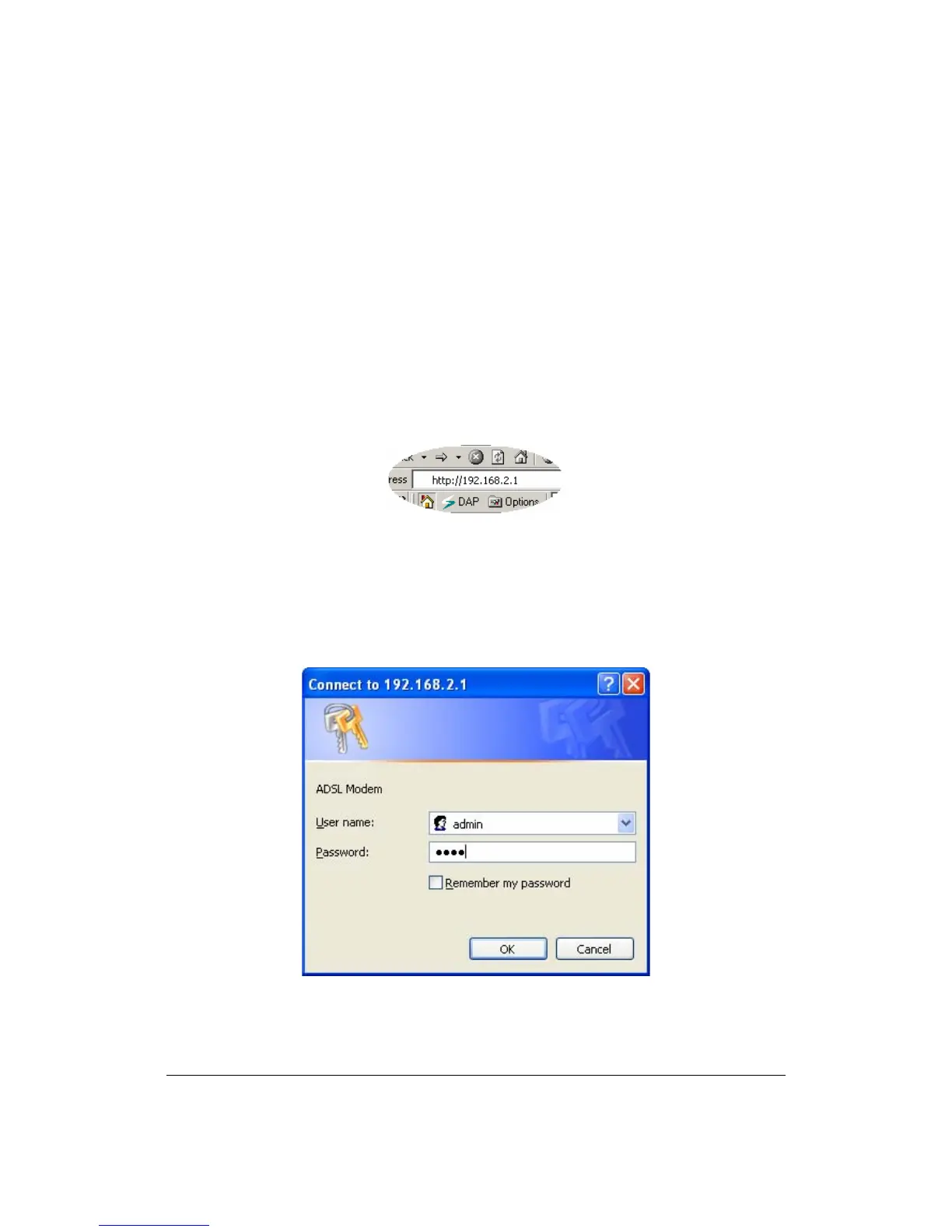
Once your PC has obtained an IP address from your router, enter the default IP
address 192.168.2.1 (router’s IP address) into your PC’s web browser and press
<enter>
The login screen below will appear. Enter the “User Name” and “Password” and
then click <OK> to login. By default the user name is “admin” and the password
is “1234”. For security reasons it is recommended that you change the password
as soon as possible.



 To Next Page