25
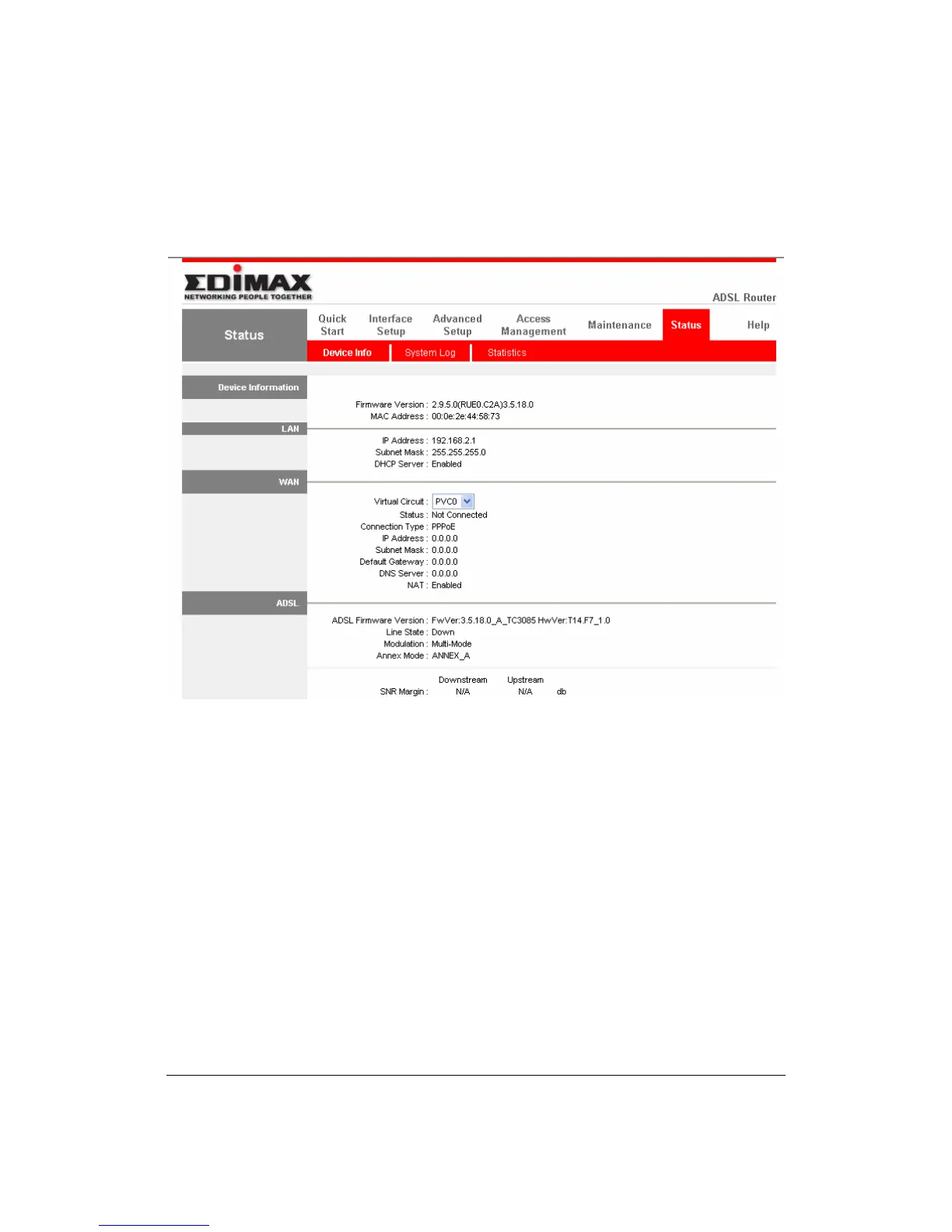
The HOME page screen below will appear. The Home Page is divided into seven
sections: Quick Start, Interface Setup, Advanced Setup, Access
Management, Maintenance, Status and Help.
Quick Start (Section 5.1)
Follow the setup process in the Quick Start, you can quickly set the router as an
Internet Access device.
Interface Setup (Section 5.2)
It allows you to configure the Internet, LAN and Wireless access(For AR-7084gA
/ AR-7084gB ).
Advanced Setup (Section 5.3)
This section contains configurations for the router’s advanced functions such as
Firewall, Virtual Server, DMZ, ADSL Mode, ADSL Type, etc.
Access Management (Section 5.4)
It allows you to configure ACL, IP Filter, SNMP, UPnP and DDNS functions.



 To Next Page