50
dynamically and will cause problem on this feature.
Please assign a static IP Address to the server and make
sure that the IP Address is not in the range of IP
Addresses that the DHCP Server will assign.
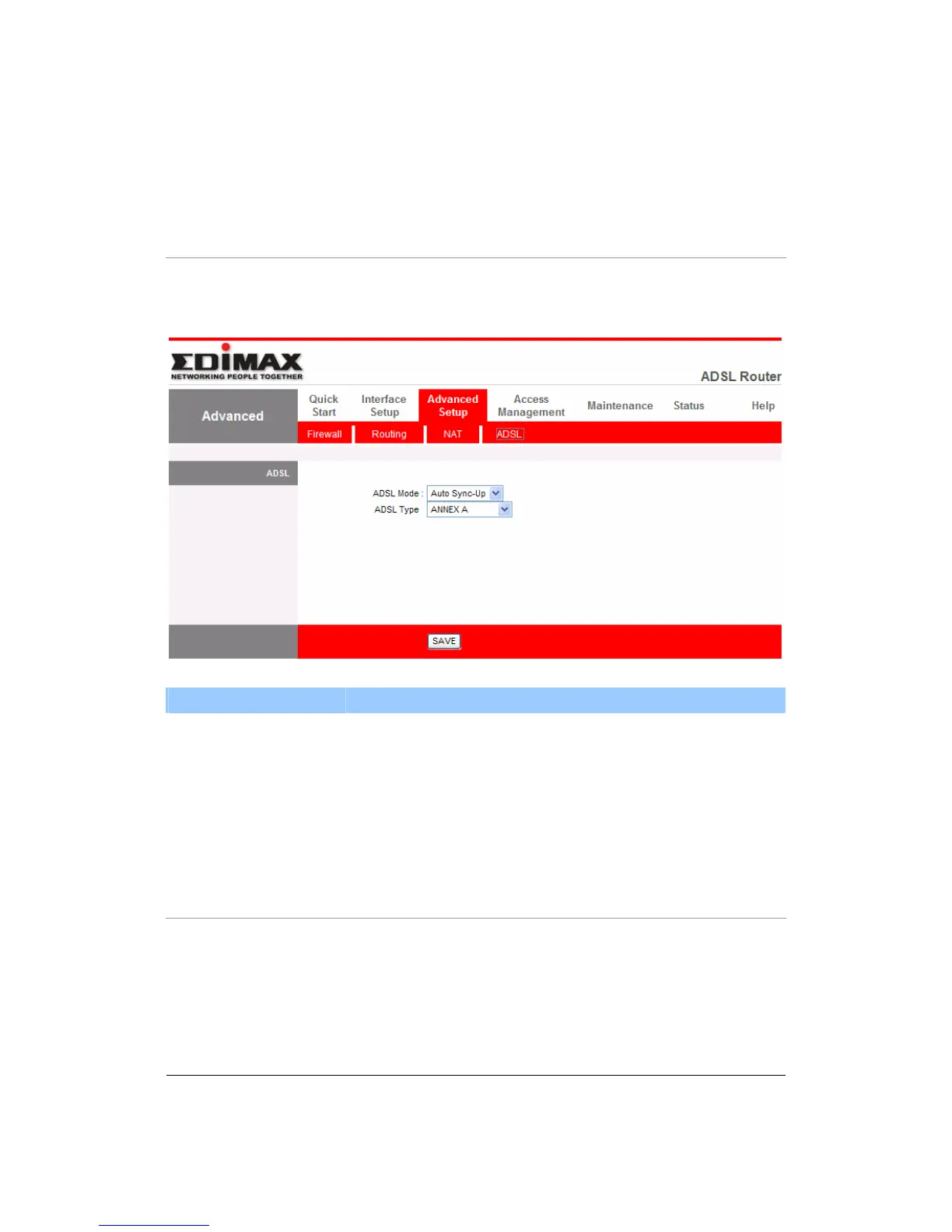
5.3.4. ADSL
Parameter Description
ADSL Mode The default setting is “Auto Sync-Up”. This mode will
automatically detect the ADSL mode including ADSL2+,
ADSL2, G.DMT, T1.413 and G.lite. If you are not sure
how to select the ADSL mode, please contact with your
ISP.
ADSL Type Check with your ISP about the ADSL type of the DSLAM
device they use.



 To Next Page