12
Note1: To use the router to get into the Internet, the IP Address of each
PC has to be set in the same network segment as the router. This wizard
will help to set the proper IP Address to your computer.
Note2: By default, the router’s DHCP Server is enabled. If it is disabled
before running the wizard, the wizard will enable the DHCP Server of the
router automatically.
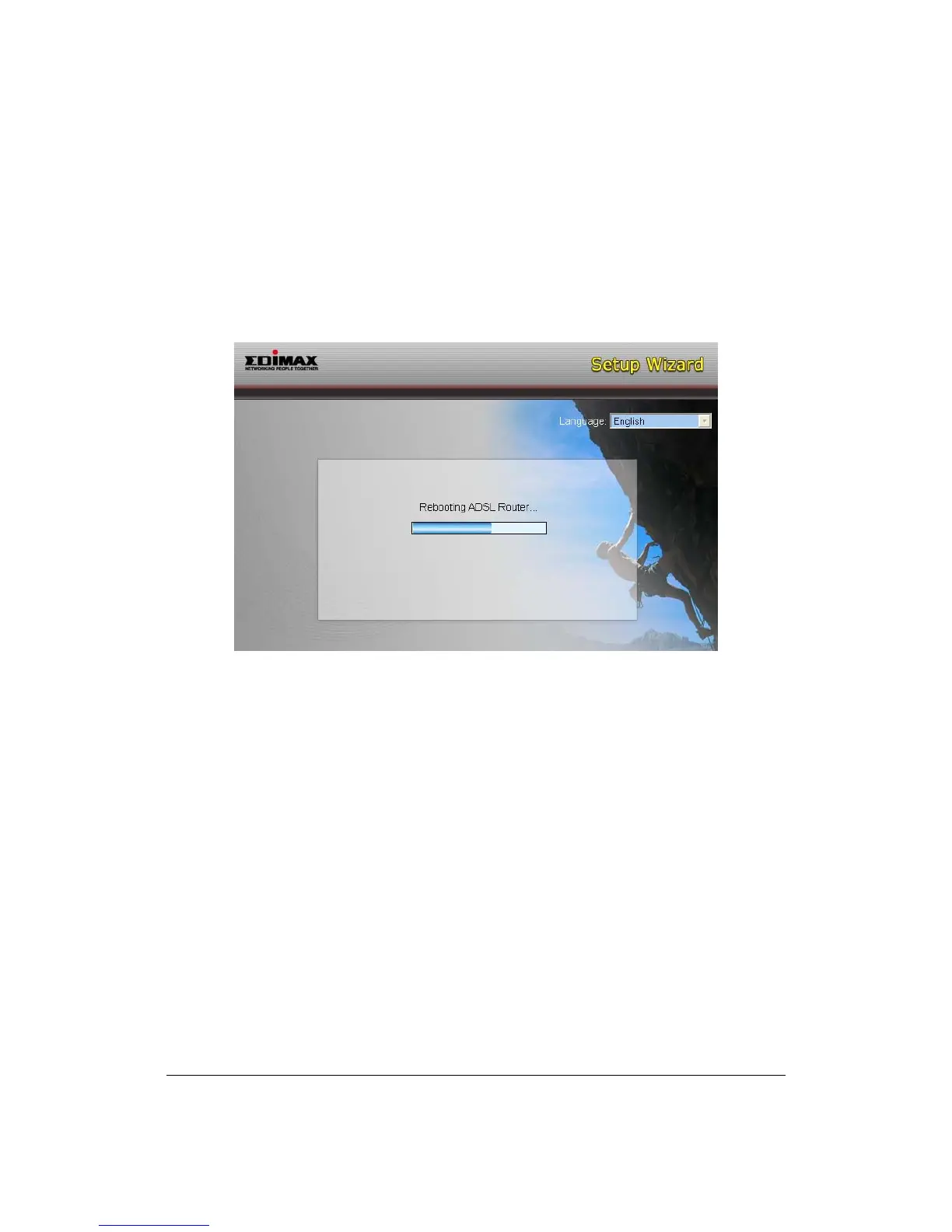
5. The wizard will try to connect to the ISP you have selected. If the connection
is failed, please run the wizard to select the ISP again.
6. If you can successfully to connect to the ISP, you will see below page. If you
want to configure more settings, please click “Advanced Settings” to get into
the web management of the router or click “Finish” to close the wizard.



 To Next Page