22
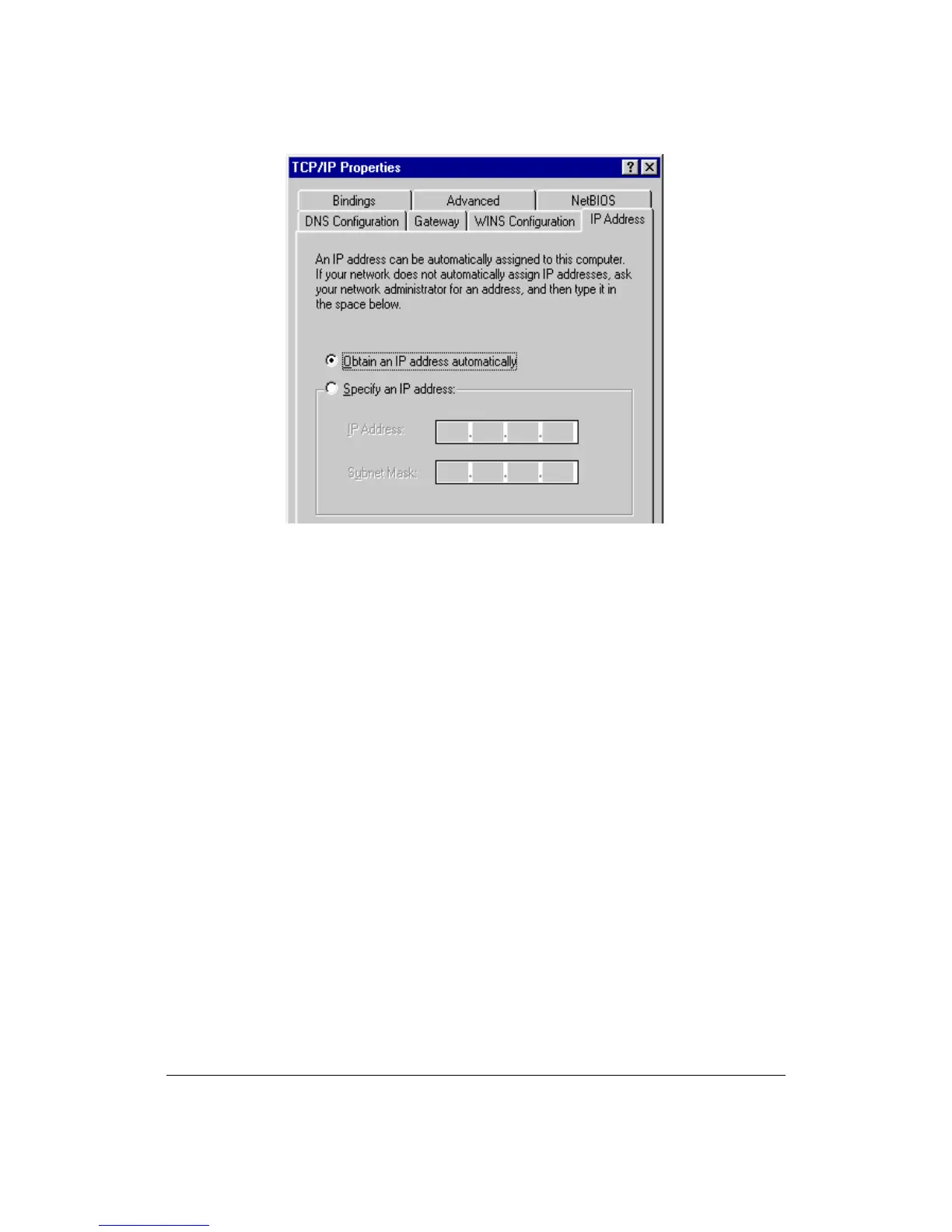
8. Reboot the PC. Your PC will now obtain an IP address automatically from
your router’s DHCP server.
Note: Please make sure that the router’s DHCP server is the only DHCP
server available on your LAN.
Windows NT
1. Click the Start button and select Settings, then click Control Panel. The
Control Panel window will appear.
2. Double-click Network icon. The Network window will appear. Select the
Protocol tab from the Network window.
3. Check if the TCP/IP Protocol is on your list of Network Protocols. If TCP/IP is
not installed, click the Add button to install it now. If TCP/IP is installed, go to
step 5.
4. In the Select Network Protocol window, select the TCP/IP Protocol and click
the Ok button to start installing the TCP/IP protocol. You may need your
Windows CD to complete the installation.



 To Next Page