69
The following procedures will help you to check the current IP Address setting of
your computer. You can compare if your computer and router’s IP Addresses are
in the same subnet.
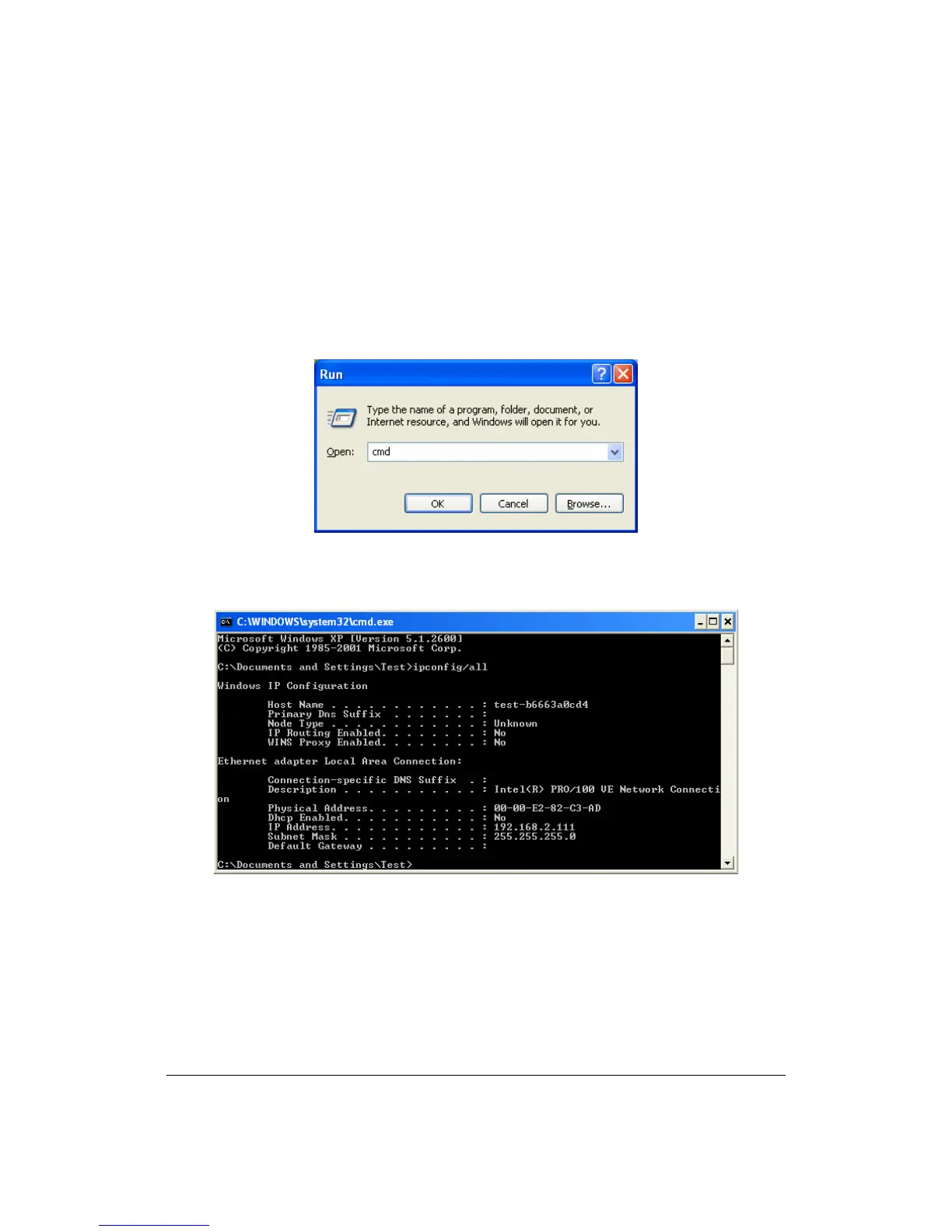
Step 1: Click “Start” and select “Run”.
Step 2: Type in “cmd” and click “OK”.
Step 3: Type ipconfig /all and click enter.
z Your PC’s IP address is 192.168.2.111.
z The PC’s Subnet Mask is 255.255.255.0.
z Your PC’s MAC Address is the one entitled Physical Address (00-00-E2-82-
C3-AD).



 To Next Page