19
1.7 Using Camera Admin Software to Locate Camera
If you can‟t connect to the camera by the instructions given in last chapter, you
can use camera admin software to search the camera which is connected to
your local area network. The admin software is also capable to locate multiple
cameras on your local area network.
Follow the simple steps below to run the Install Wizard to guide you quickly
through the Installation process. The following installation is implemented in
Windows Vista. The installation procedures in Windows 2000/XP/Vista/7 are
similar.
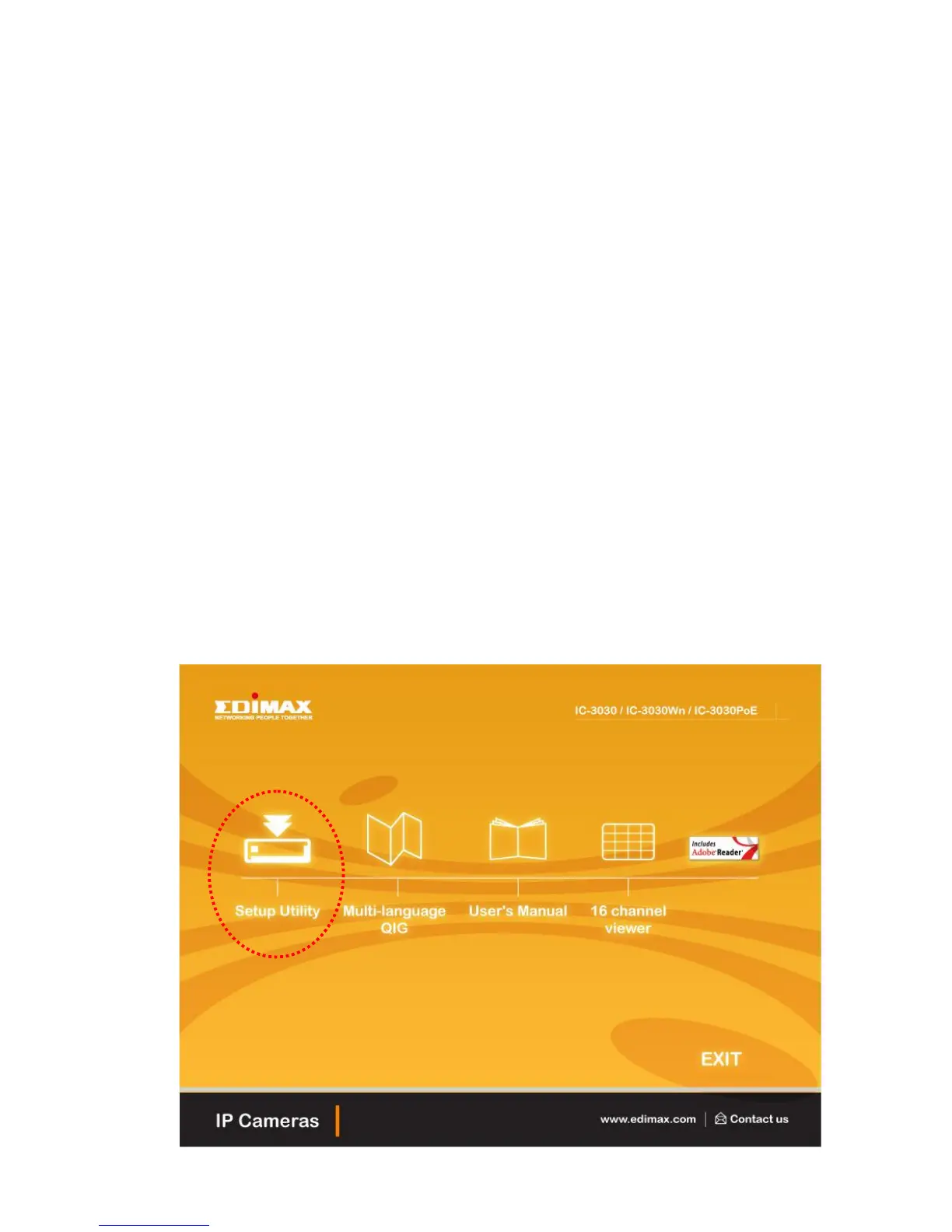
1. Insert the CD shipped along with the IP Internet Camera into your CD-ROM
drive. The “Autorun.exe” program should be executed automatically. If not,
run “Autorun.exe” manually from “Autorun” folder in the CD.
2. The Install Wizard will show four selections, select the program which you
want to install or click „EXIT‟ to install the program later. The following
installation steps are the demonstration of „Install Administrator Utility &
Camera Viewer‟.



 To Next Page