68
2.5.3 Schedule
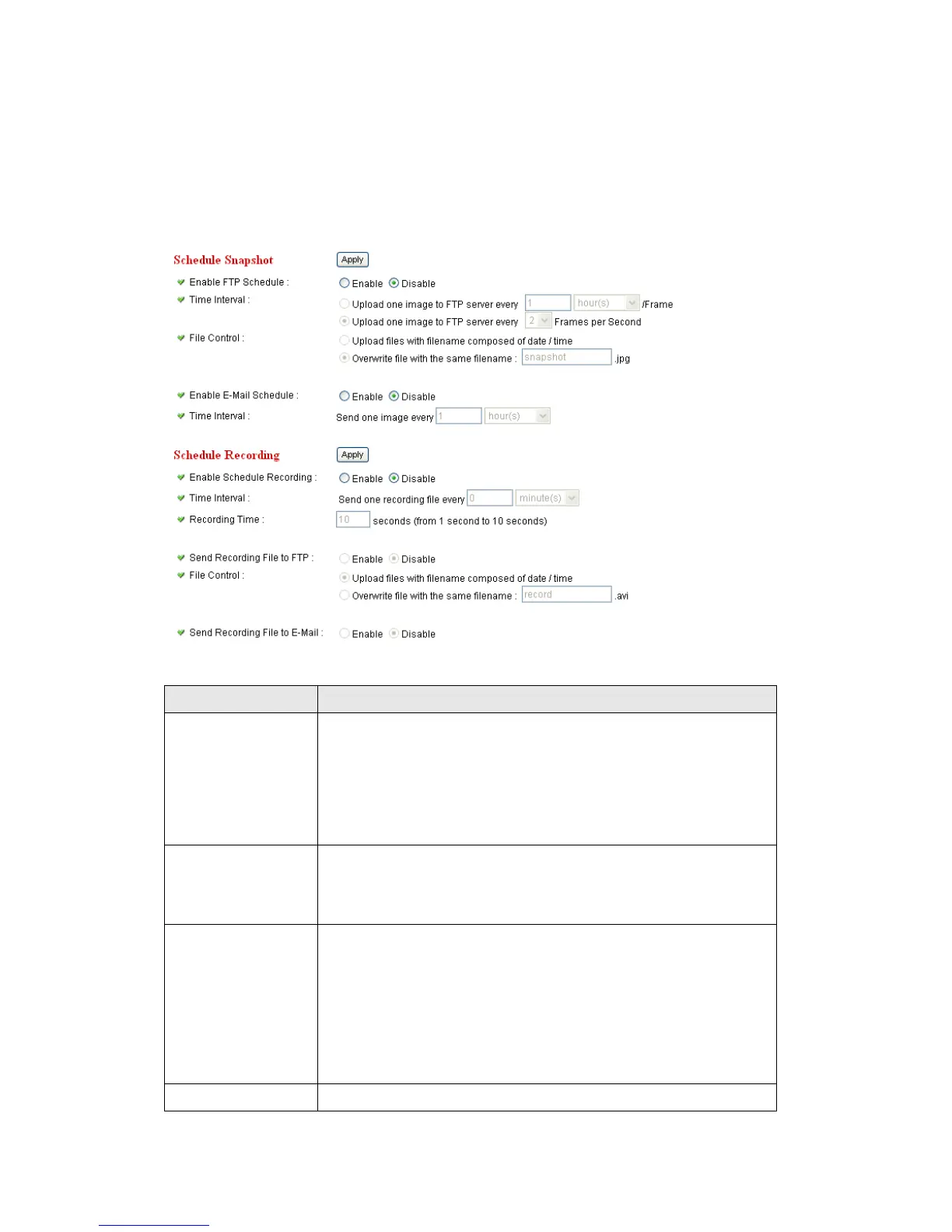
You can use this menu to setup Schedule Snapshot/Recording settings:
Select „Enable‟ to send the Schedule Snapshot to the
appointed FTP server, or select ‟Disable‟ to disable this
function. You have to configure FTP server parameters in
„FTP Configuration‟ menu first, so this function will take
effect.
You can choose to upload one image to FTP server
according to the time interval you wish, or choose to
upload image as you wish to FTP server every second.
This option allows you to choose to upload each
schedule snapshot with different file name composed of
date/time, or to choose to upload the schedule snapshot
with the same file name you wish. If you choose the
latter, the prior-saved schedule snapshot will be
overwritten by the latest schedule snapshot.
Select „Enable‟ to send the Schedule Snapshot to the



 To Next Page