21
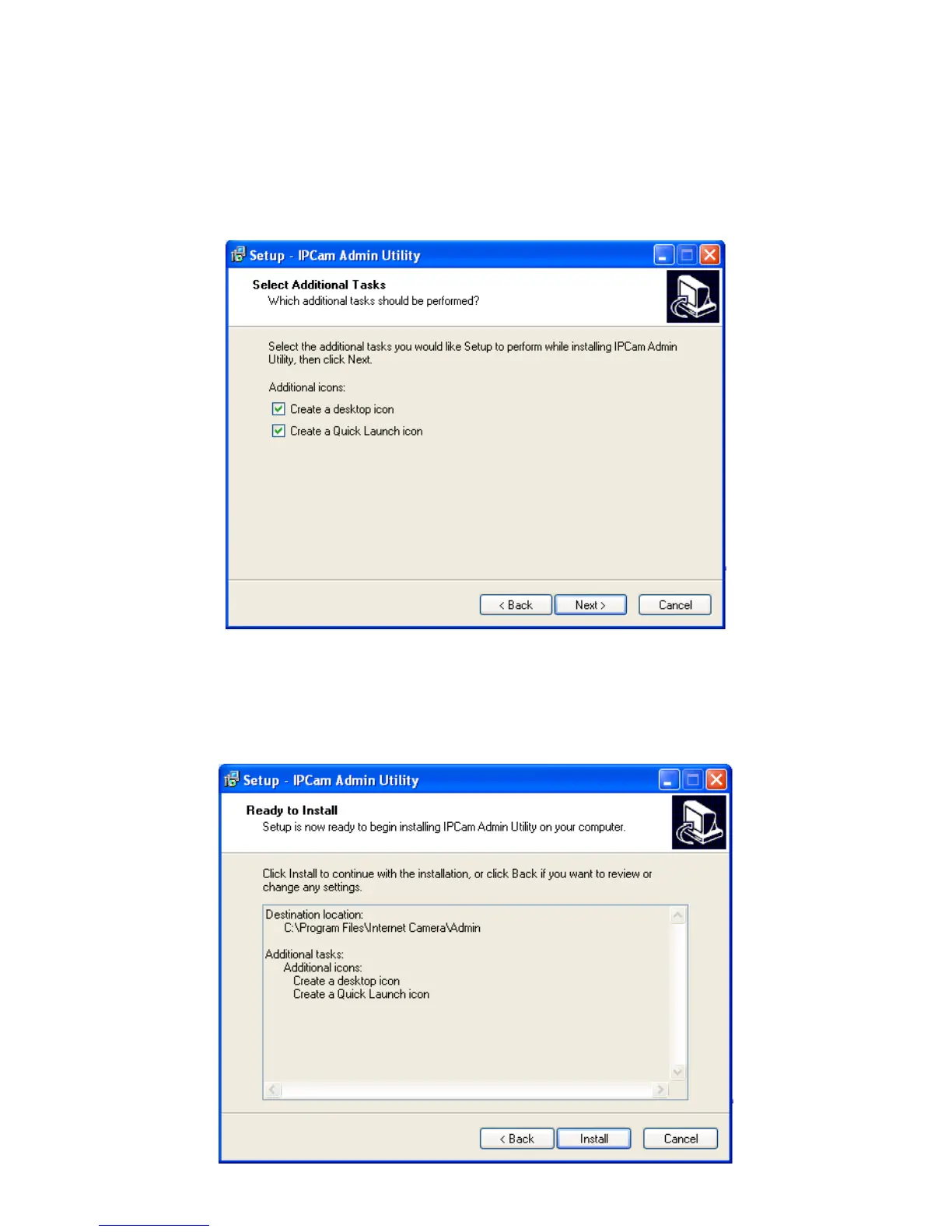
5. If you wish to create desktop icon and / or quick launch icon for camera
admin software, please check corresponding box, and click „Next‟ to
continue.
6. You will see a brief of all options you selected, click „Install‟ to install camera
admin software now, or click „back‟ to back to previous steps to change
settings.



 To Next Page