55
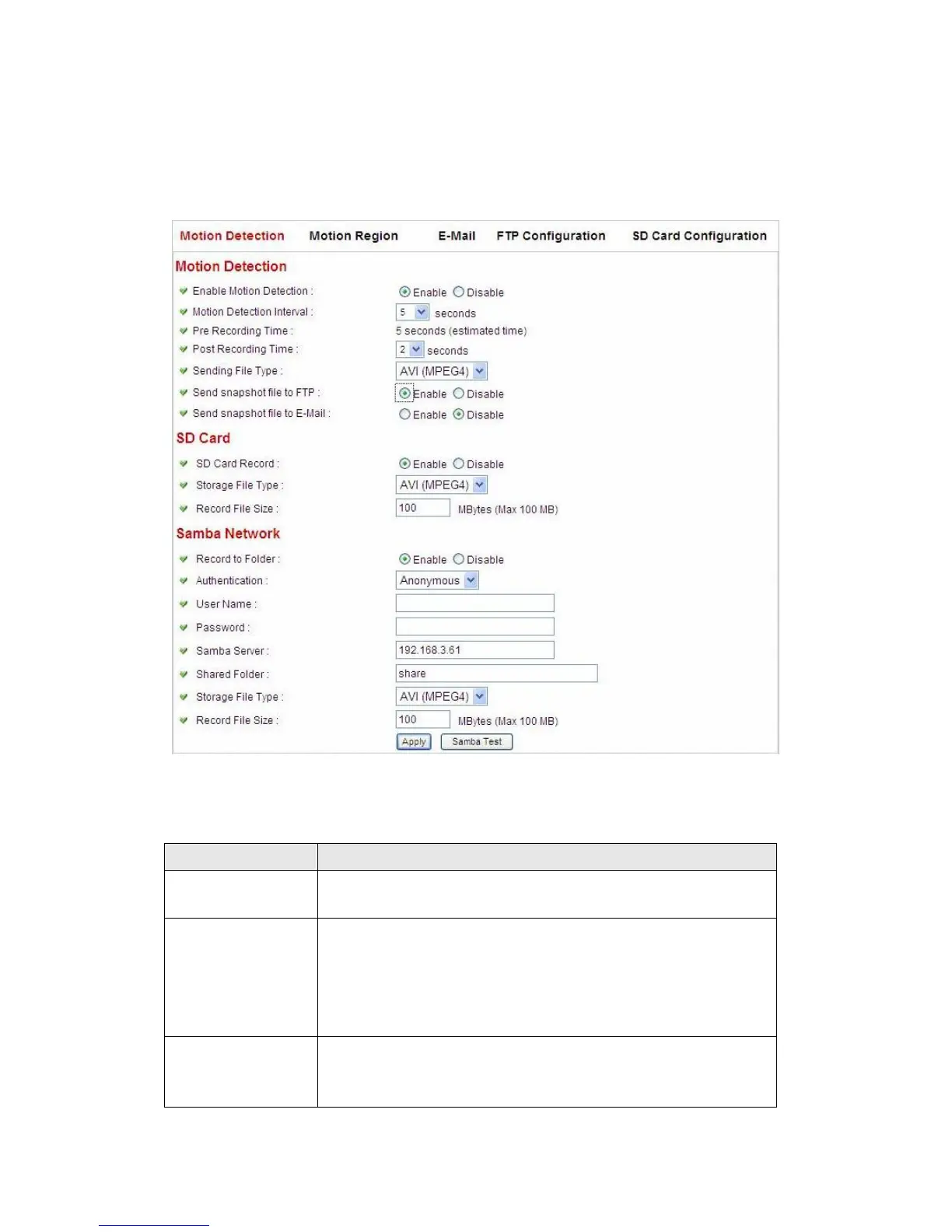
2.4.1 Motion Detection
You can use this menu to setup basic motion detection settings:
The descriptions of every setting in this menu will be given below:
Select „Enable‟ to enable motion detection, and select
„Disable‟ to disable this function.
Motion Detection
Interval
Select the time interval between two motions from
dropdown menu. When a motion is detected, camera will
not detect any motion again within the time interval you
specified here. Available options are from 0 second
(always detect new motion) to 60 seconds.
This option allows the IP cam to capture additional image
frames prior to the event. The duration of pre recording is
based on the settings of Resolution and estimated by the



 To Next Page