109
4.1 iPhone App Installation
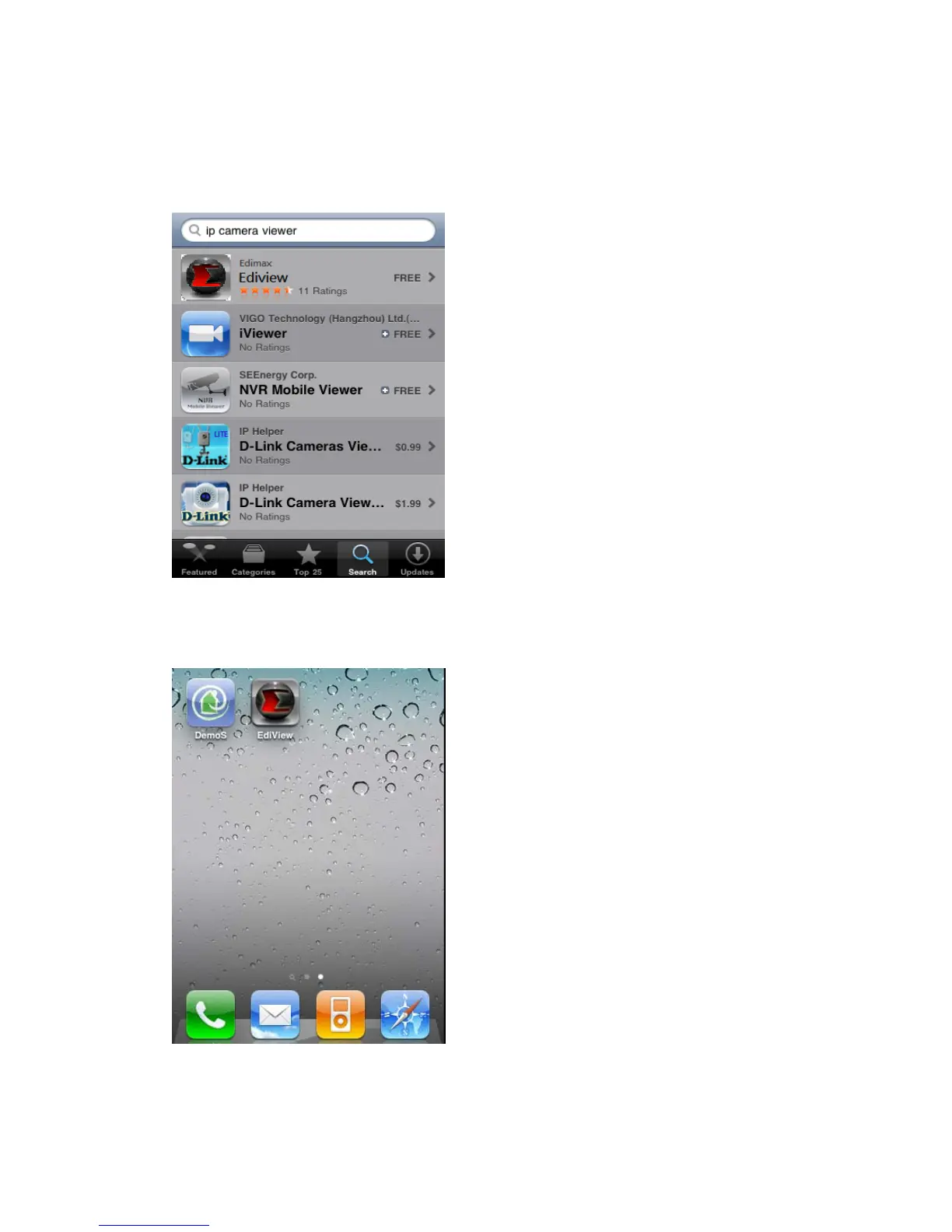
(1) Please download ‘Ediview’ application from Apple’s Appstore
(2) You can launch EdiView by clicking ‘EdiView’ icon. You’ll see welcome
screen and please wait for few seconds
(3) When you launch EdiView, it will attempt to connect to existing configured
network cameras. Please make sure you’re connected to wireless access



 To Next Page