71
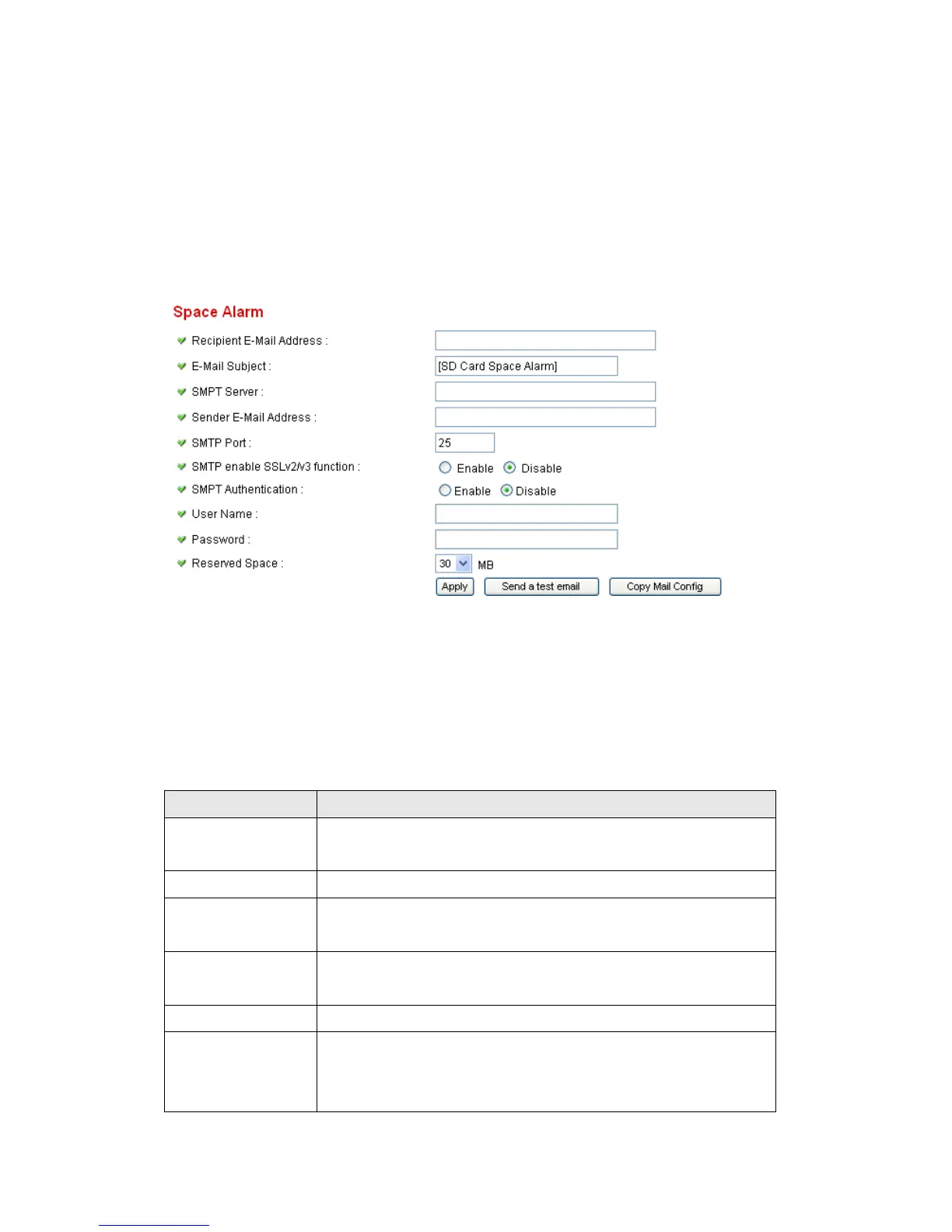
2.6.2 Space Alarm
When you’re using SD card to store captured image and video clip, you can
have this camera to send an E-mail to you when there’s only little remaining
space left on SD card.
Please note: If you have set E-mail settings in ‘Motion Picture’ function, you
can click ‘Copy Mail Config’ button to use the same setting. However, you can
use a different setting here.
The descriptions of every setting in this menu will be given below:
Item Description
Recipient E-Mail
Address
Input the E-mail address you wish to receive space
alarm.
E-Mail Subject Input the title of space alarm E-mail.
SMTP Server Input the SMTP server address you wish to use to send
E-mail.
Sender E-Mail
Address
Input the sender E-mail address of the space alarm
E-mail.
SMTP Port You can set port number according to your mail server.
SMTP enable
SSLv2/v3
function
Select ‘Enable’ if your SMTP server supports SSLv2/v3
such as gmail.



 To Next Page