78
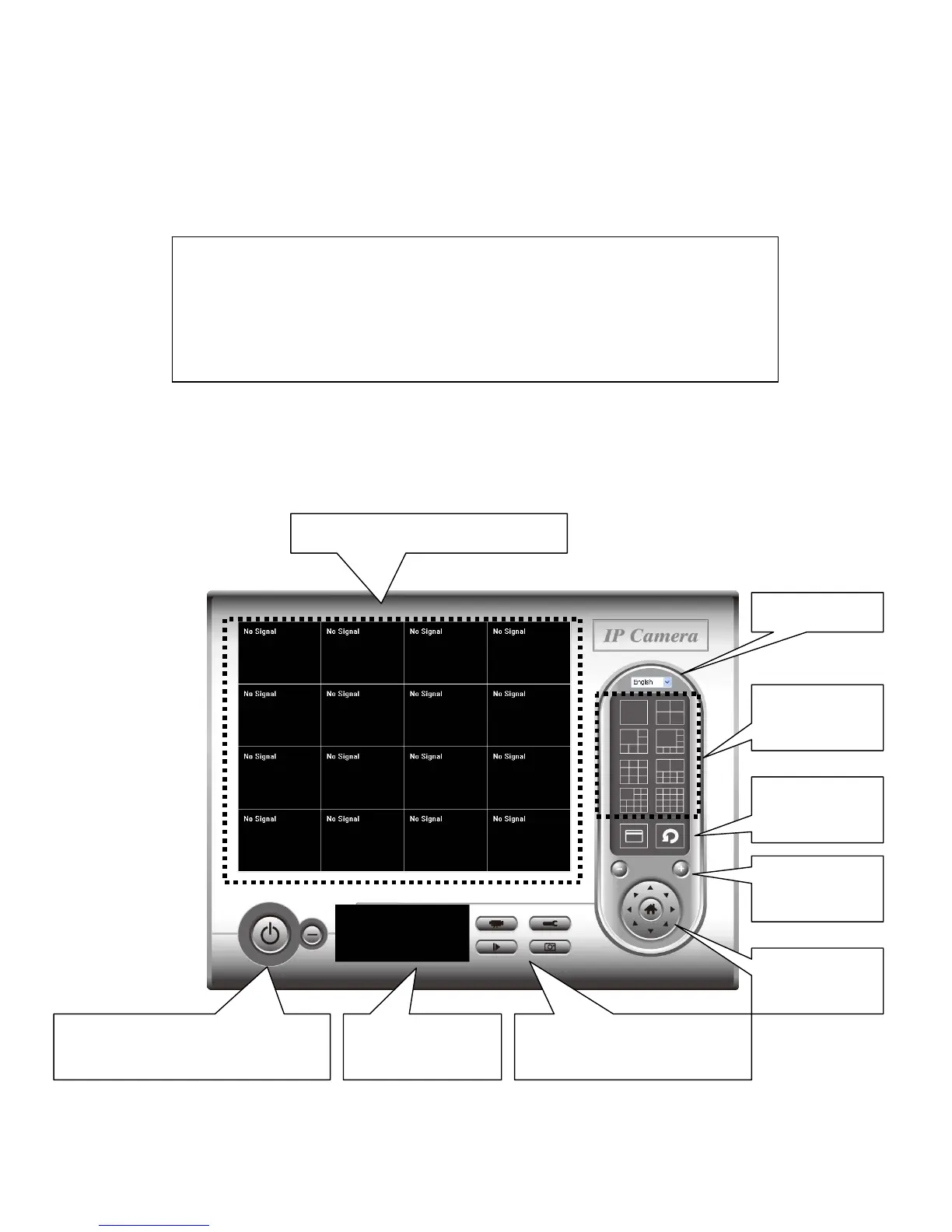
3-2 Using Network Camera surveillance software
You can click ‘IPCam Surveillance Software’ icon from desktop, quick launch
bar, or start menu to start the Network Camera surveillance software.
Here are descriptions for all components of Network Camera surveillance
software:
Before you start:
Network Camera surveillance software will only work when your
monitor’s resolution is ‘1024 x 768’. Please change the resolution
before you use Network Camera surveillance software, or it won’t
Language
Display
layout
Full screen /
Scan
Zoom Out /
Zoom In
PTZ Control /
Home
Recording / System configure
Playback / Snap shot
Close window (stop surveillance) /
Minimize window
Video displaying area
Message display
box



 To Next Page