81
3-3 Configure Network Camera surveillance software
3-3-1 Configure cameras
Before you use this Network Camera surveillance software, you must
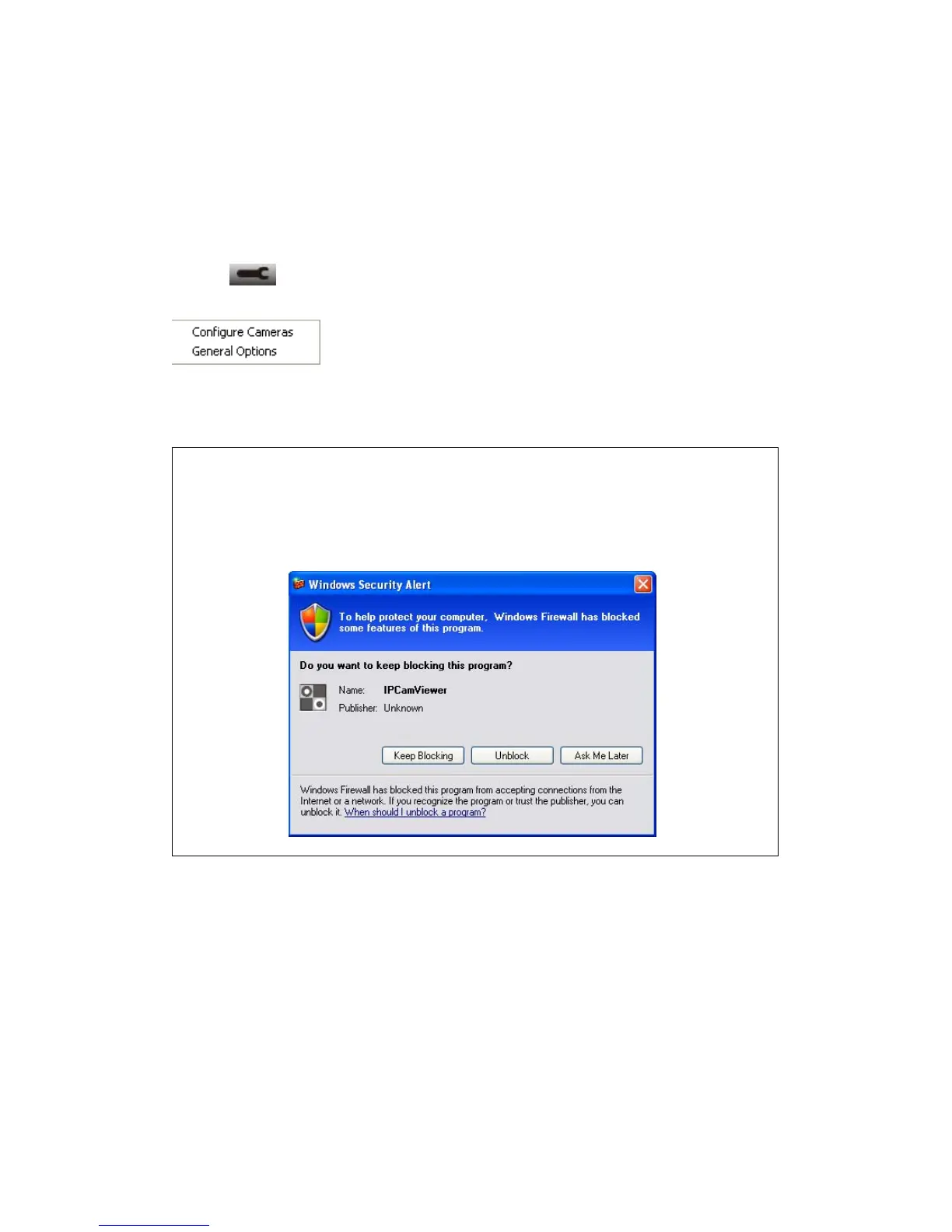
configure the camera(s) you wish to connect. Please click ‘System configure’
button and a popup menu will appear:
Please select ‘Configure Cameras’ to configure cameras:
Note: If you’re prompted by a windows security alert which asks you if
you want to block ‘IPCamViewer’ program, please click ‘Unblock’
button, of Network Camera surveillance software will not be able to
function correctly.



 To Next Page