67
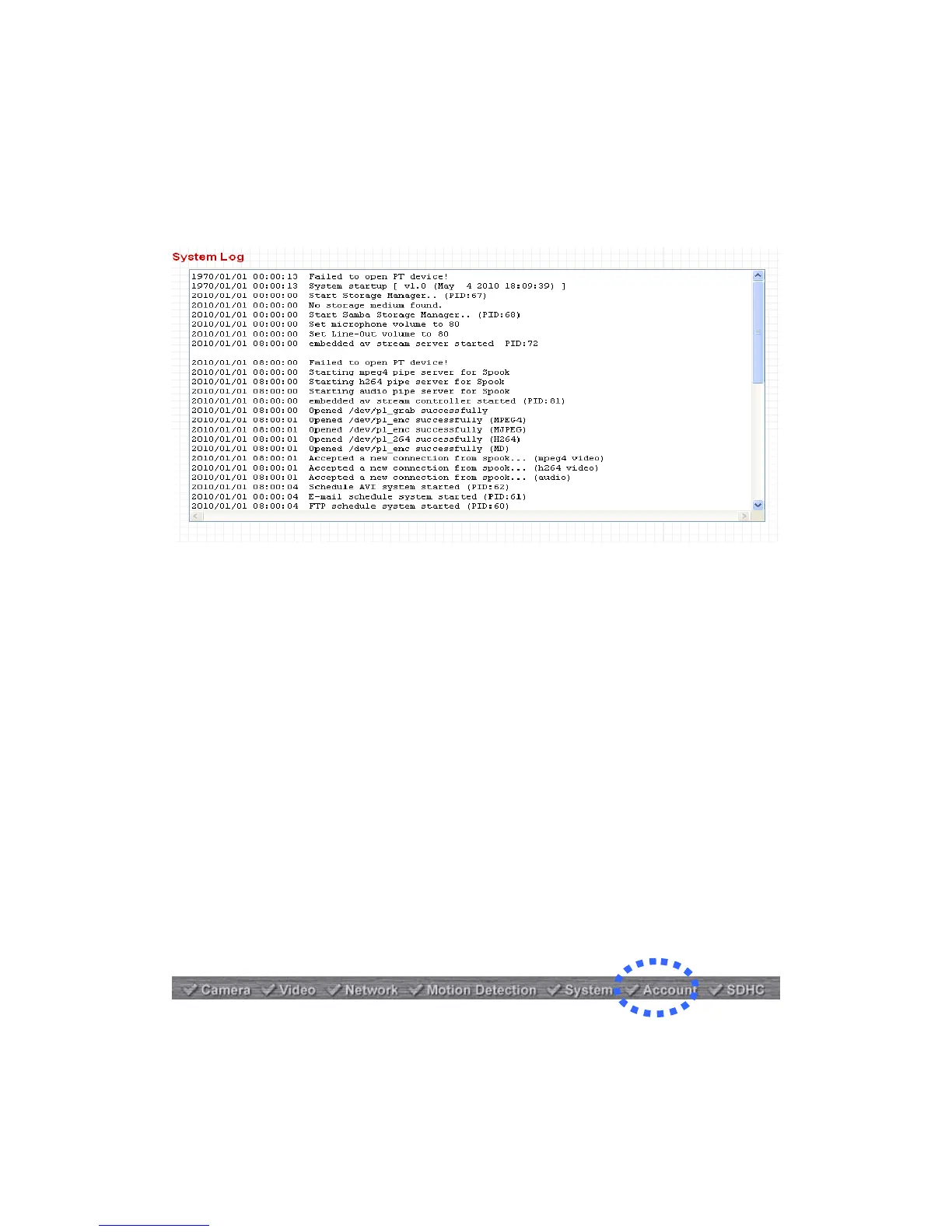
2.4.6 System Log
All activities of this network camera will be logged, and you are allowed to
enter ‘System Log’ menu to view these logs.
2.5 Account
If you wish to allow other people to view the live image captured by this camera,
but don’t want to allow them to modify system settings, you can give them
user-level user name and password, so they can only view the image and can
not change any system setting.
This camera supports up to 16 users.
After you selected ‘Account’, you’ll be prompted to input user account
information:



 To Next Page