125
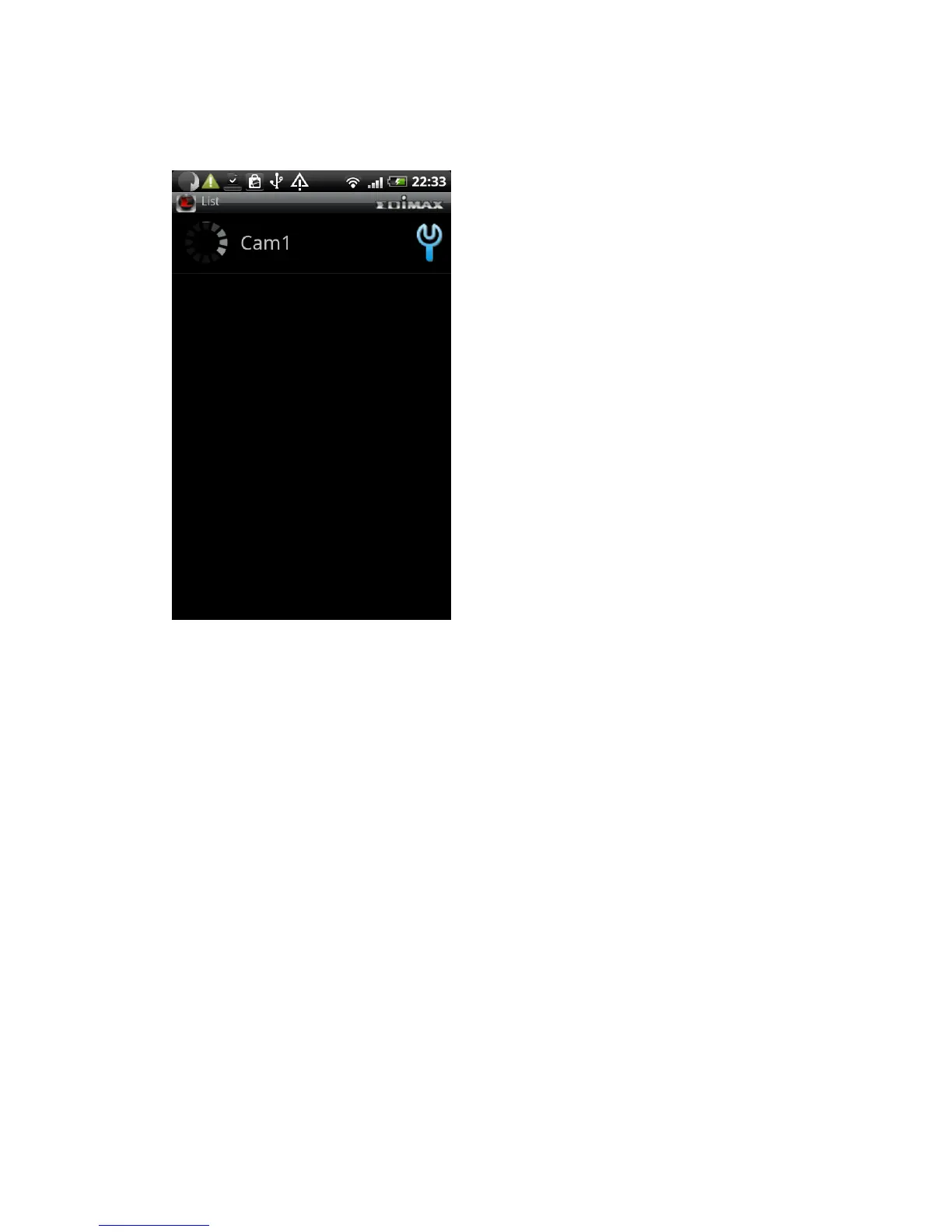
(10) When an network camera has been added successfully, you’ll see it
appear in EdiView utility’s camera list
Please repeat last step to add more network cameras you wish to
connect. To repeat last step, press ‘Menu’ key on your Android device
and click ‘Add’ button
(11) If the network camera is connected, you’ll see a picture appear. Click the
Picture to view live image



 To Next Page