131
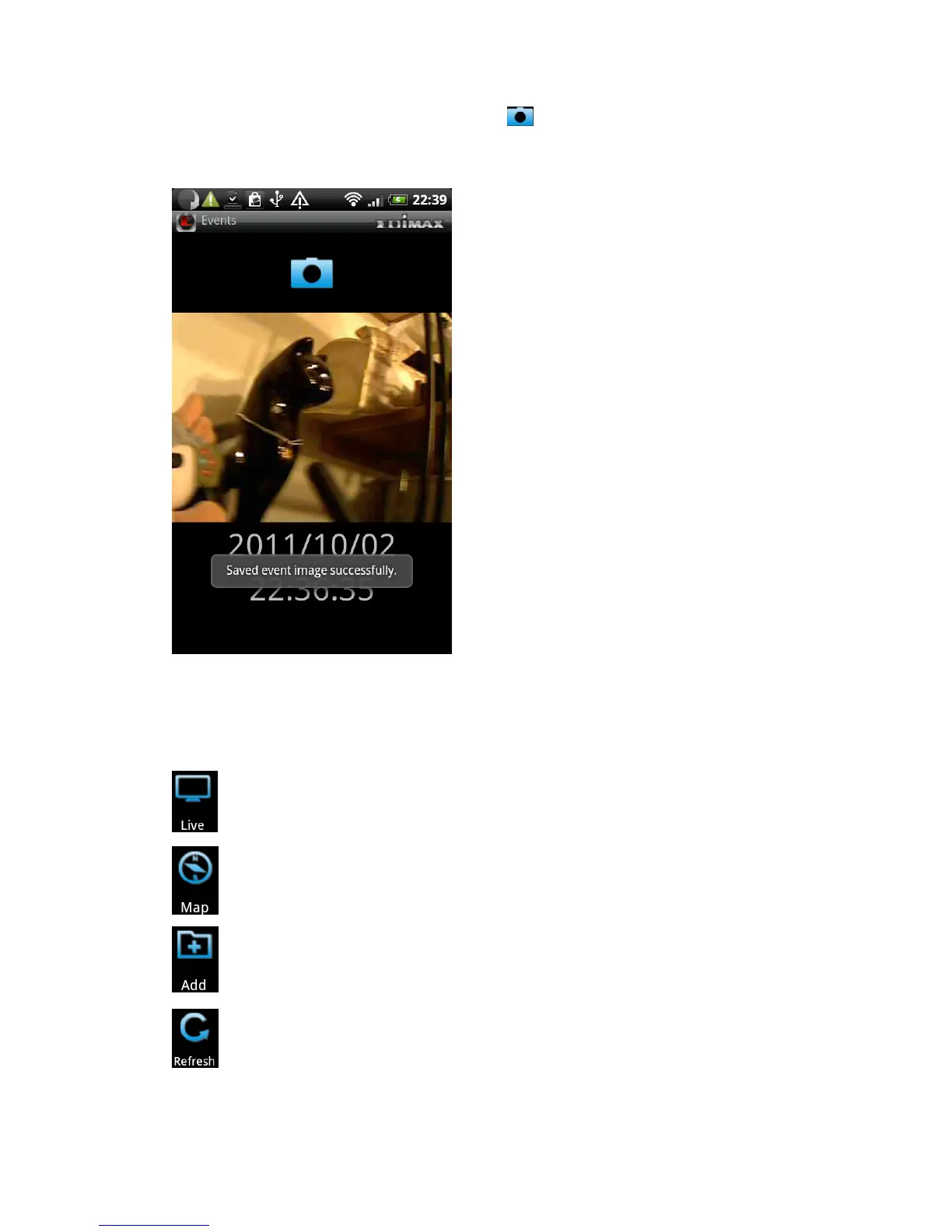
(19) To save a snapshot of this event, click button. You’ll see ‘Saved event
image successfully’ message to prompt you that image has been saved
successfully.
(20) When you’re in camera list, press ‘Menu’ button on your Android device. A
menu will appear on the bottom of EdiView utility.
See live images of network cameras
Use google map to locate network cameras
Add a new network camera
Reload network camera list



 To Next Page