139
Snapshot
Click this button to take a snapshot of current image and save on your
computer’s hard drive.
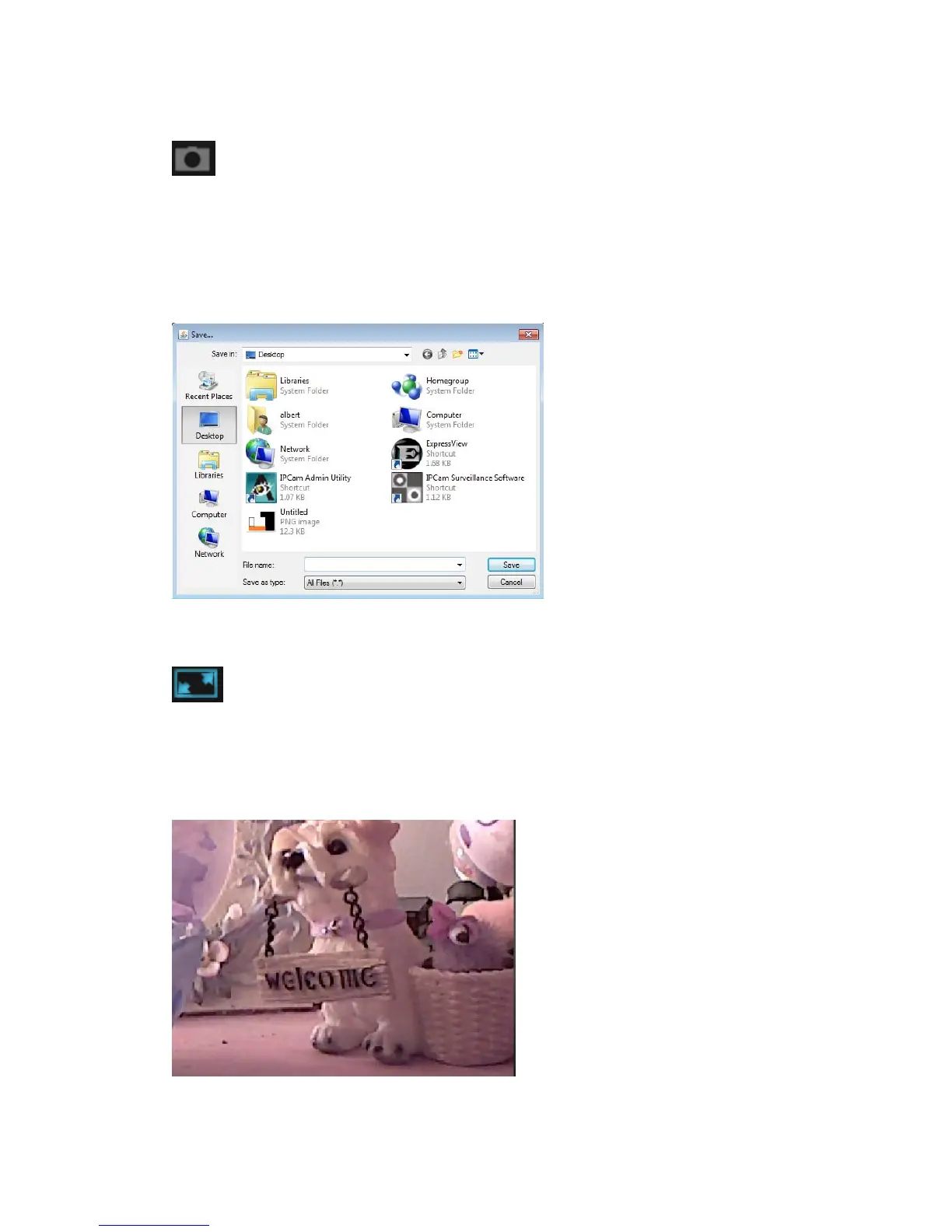
You’ll be prompted to select a folder on your computer.
Full-screen view
Click this button to enlarge image view to full-screen size, all functino buttons
will disappear to maximumize display area. Click anywhere in the image to
return to normal display mode.



 To Next Page