97
VII. EdiView App
You can use the free EdiView smartphone app to monitor your camera
remotely using a smartphone from any Internet connection. The network
camera’s green LED must display on to indicate a successful cloud connection,
in order for this function to work.
EdiView app screens may vary slightly according to version and
future updates.
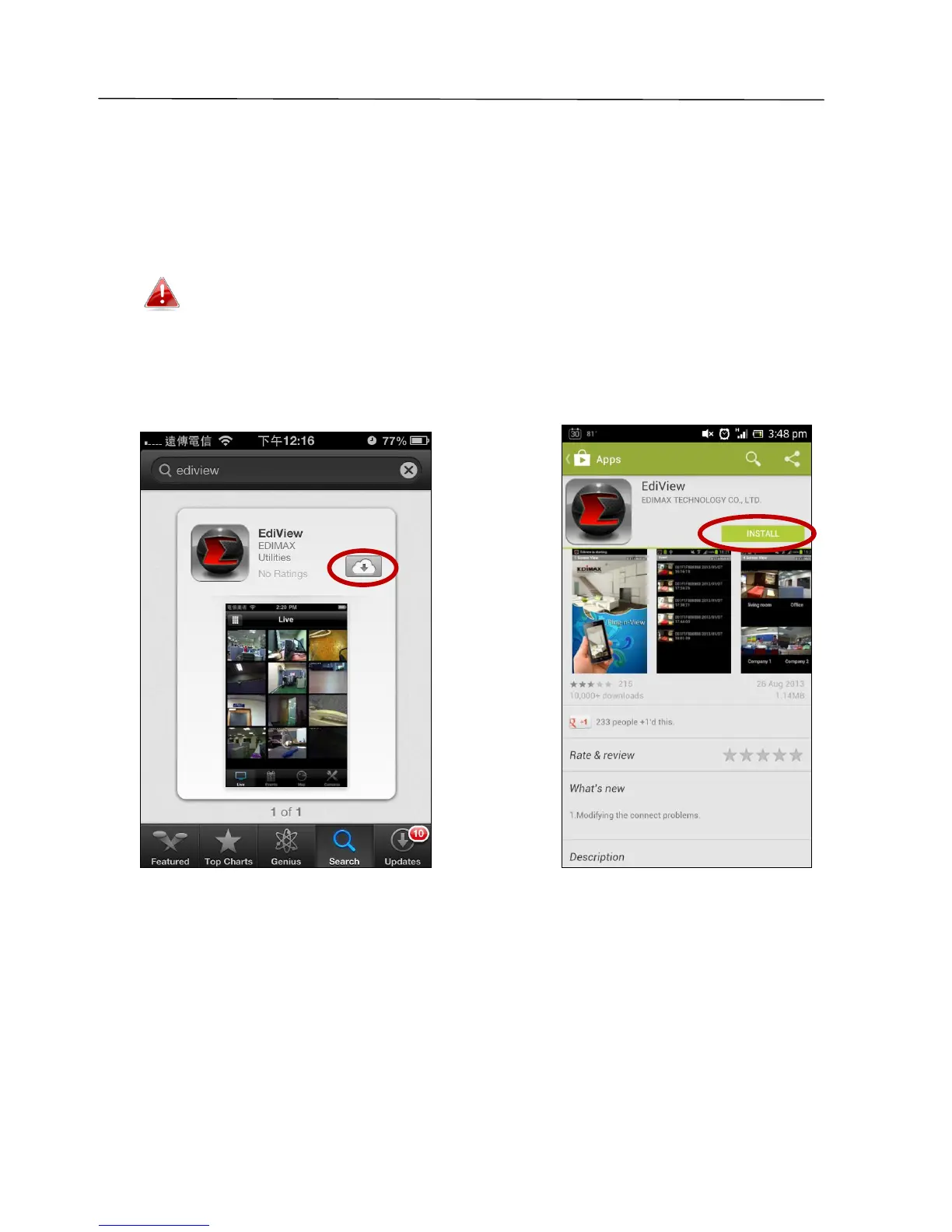
1. Search the Apple app store or Google Play for “EdiView”. Download and
install the EdiView app.



 To Next Page