5
II. Hardware Installation
Follow the instructions below to ensure your camera is properly connected
and ready for setup.
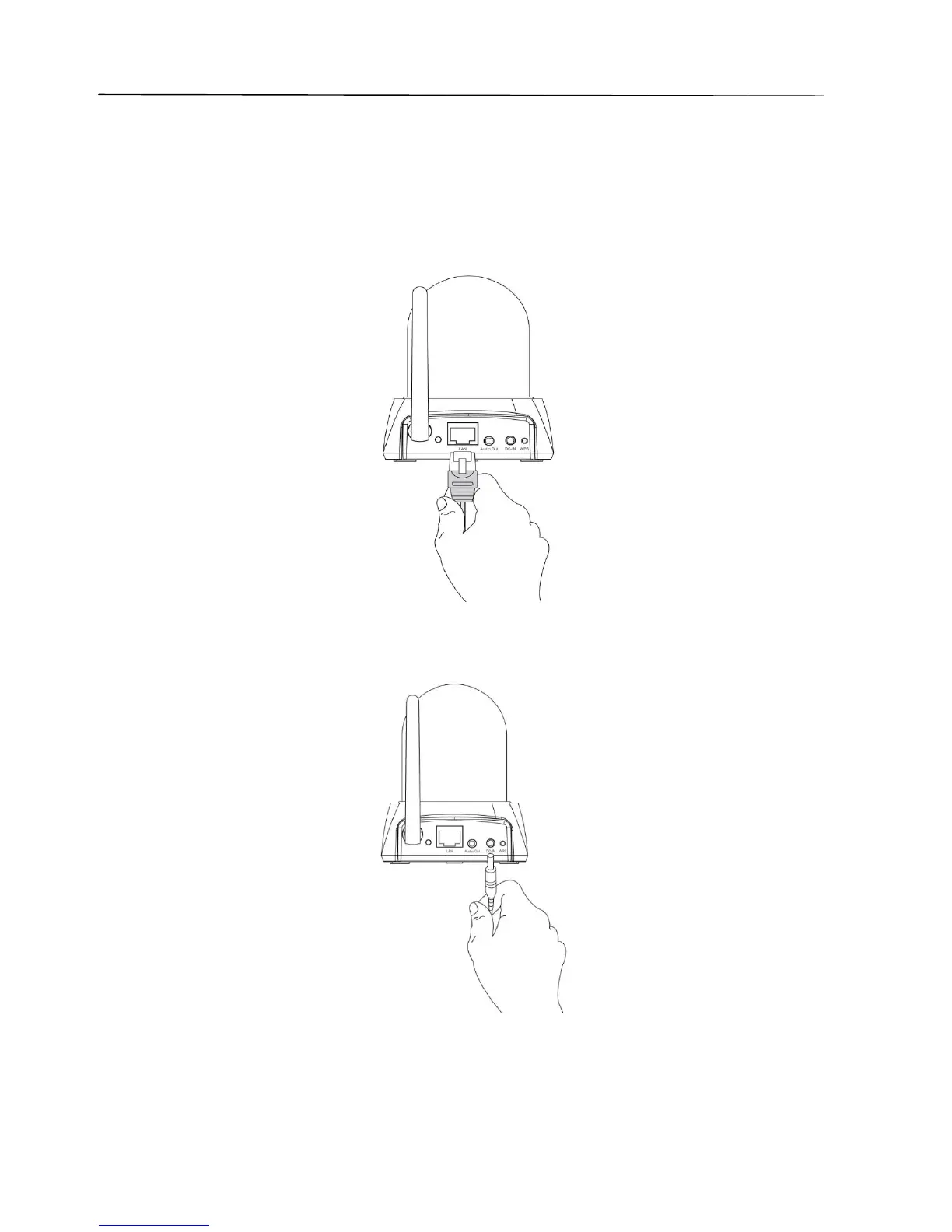
1. Use an Ethernet cable to connect the network camera’s LAN port to a
router/switch/access point’s LAN port, as shown below.
2. Connect the power adapter to the network camera’s power port and to a
power supply, as shown below.
3. Wait a moment for the camera to power on. The camera is ready when
the green LED on the back of the camera displays on or flashing. Please
refer to III. Camera Setup to setup your network camera.



 To Next Page