42
IV-3. Events
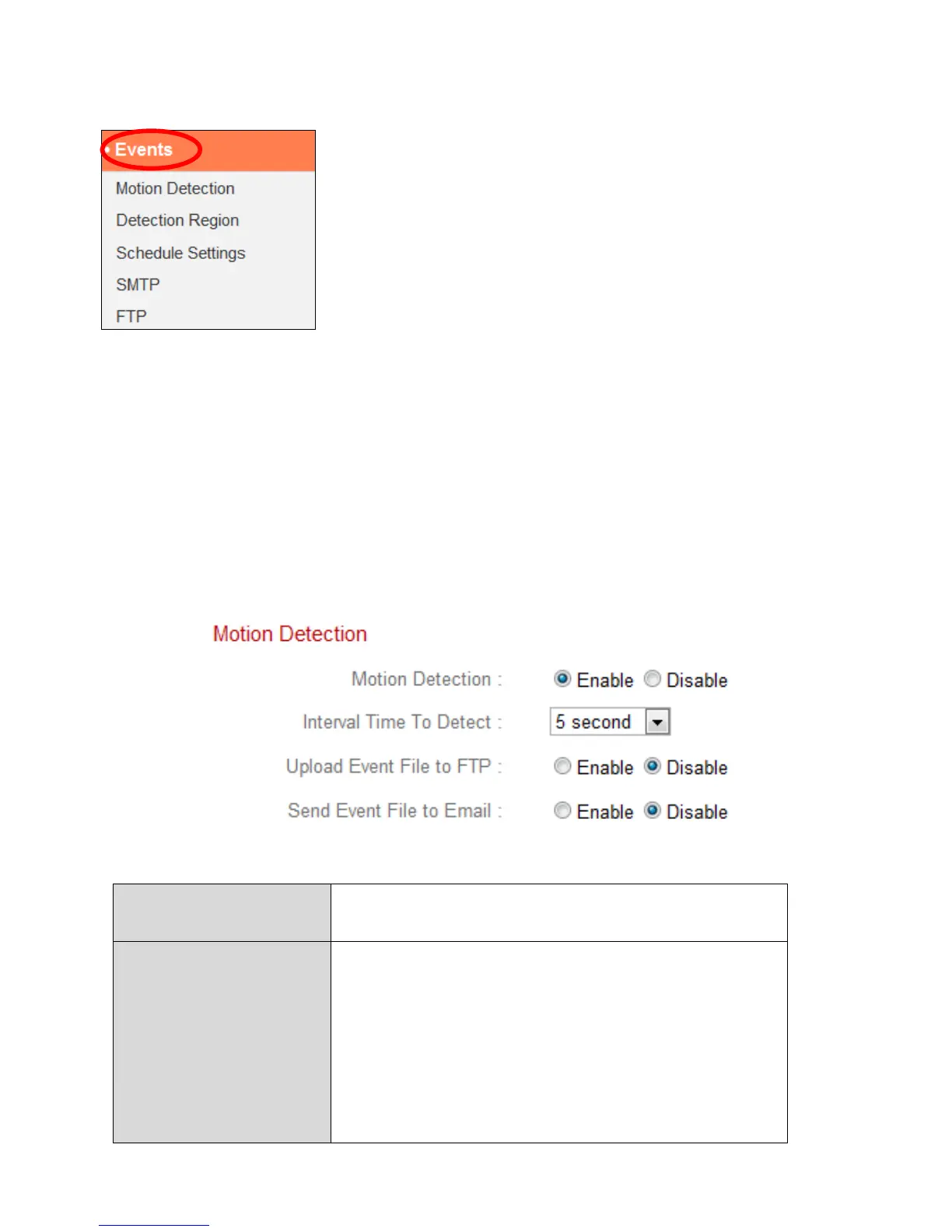
Select an item from the “Events” menu and refer to
the appropriate following chapter. You can configure
settings for motion detection, scheduling, SMTP and
FTP.
IV-3-1. Motion Detection
The network camera features a motion detection function and various options
for (motion detection) events notification. On this page you can enable or
disable motion detection, event FTP upload and event emails as well as set
the motion detection time interval. Motion detection regions can be
configured according to your preference on the “Detection Region” page (see
next chapter).
The motion detection interval time
determines the length of time the camera
must detect motion for in order to class the
motion as an event. To detect minor motion,
select a shorter time. A longer time will ignore
minor motions. Select your desired time from
the drop down menu.



 To Next Page