7
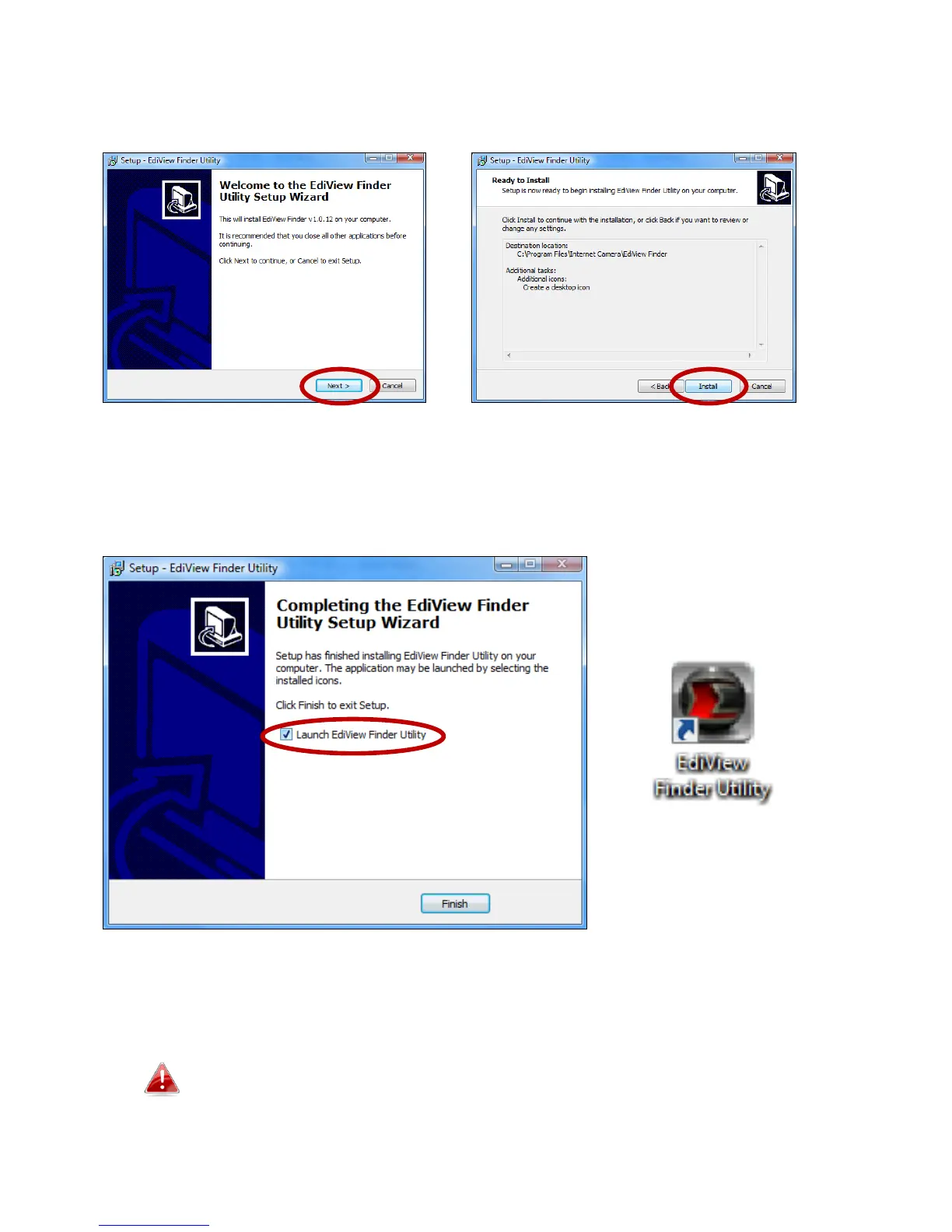
3. Click “Next” and follow the on-screen instructions to install the EdiView
Finder software utility.
4. When installation is complete, select “Launch EdiView Finder Utility”
before clicking “Finish”. Or double click the ”EdiView Finder Utility” icon on
your desktop to launch EdiView Finder.
5. EdiView Finder will list all cameras on your local network, along with each
camera’s name, model, IP address and MAC address.
Click the search icon to refresh the list if your camera is not
displayed.



 To Next Page