63
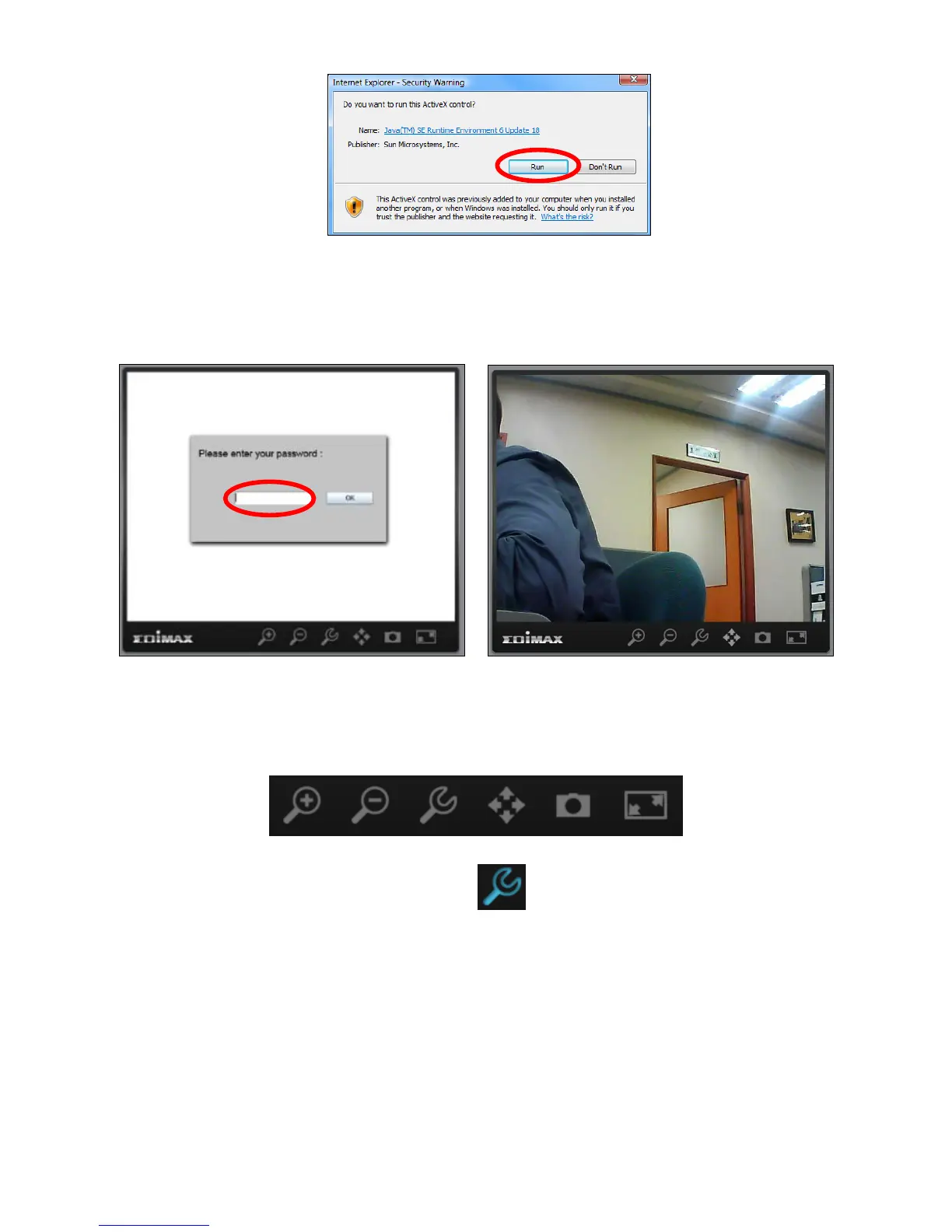
4. Enter your camera’s password (default password: 1234) and click “OK” to
see a live stream from your network camera.
5. The network camera can be operated and configured using the icons in the
toolbar located below the image.
To configure the network camera, click to show the configuration menu
window:



 To Next Page