8
II. Quick Setup
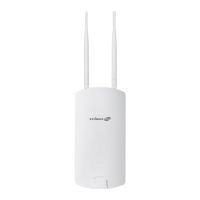
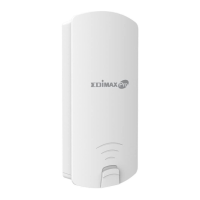
The OAP900 Long Range 802.11ac Outdoor Access Point features a range of
powerful functions:
- 802.11ac high-speed wireless technology
- 16 SSIDs for management
- SNMP v1/v2c/v3
Your access point can be up and running in just a few minutes. It can function
as a standalone access point (AP mode), as part of an AP array (Managed AP
mode), or as a client bridge for WISP last-mile services (Client Bridge mode).
For use as a Managed AP in an AP array, the access point will automatically
switch mode when an AP Controller is configured as described in II-3.
Managed AP Mode: Edimax Pro NMS.
II-1. Passive PoE Injector
Do not connect a non-PoE device to the access point’s LAN2 (PoE
Out) port. The LAN2 port outputs 48 V and can damage a non PoE
device.
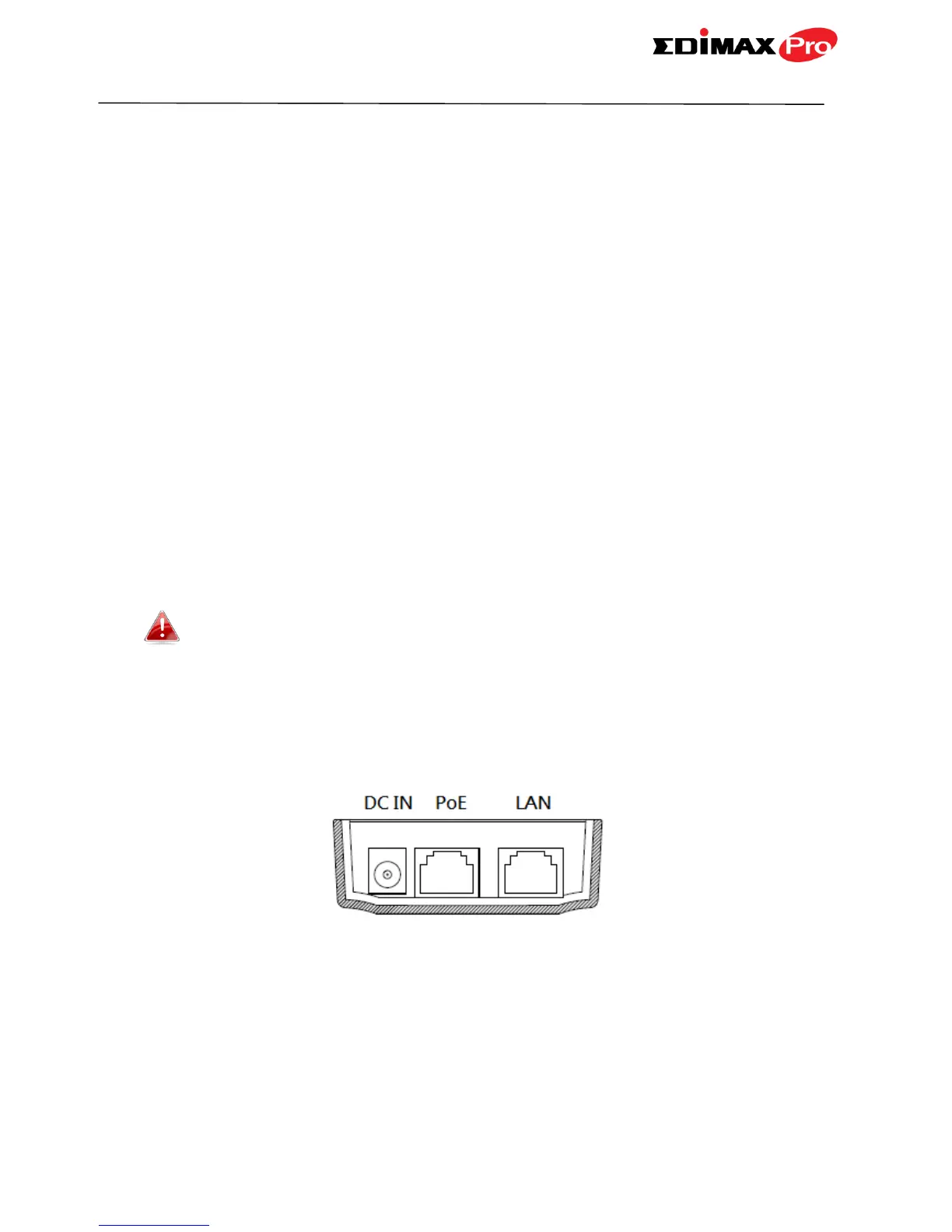
1. Connect the access point’s LAN1 (PoE In) port to the PoE injector’s PoE
port via Ethernet cable.


 To Next Page