EasyManua.ls Logo

Edimax OAP900 - I-4. LED Status; I-5. Reset

Edimax OAP900
104 pages
Print Icon
To Next Page IconTo Next Page
To Previous Page IconTo Previous Page
Loading...
4
I-4. LED Status
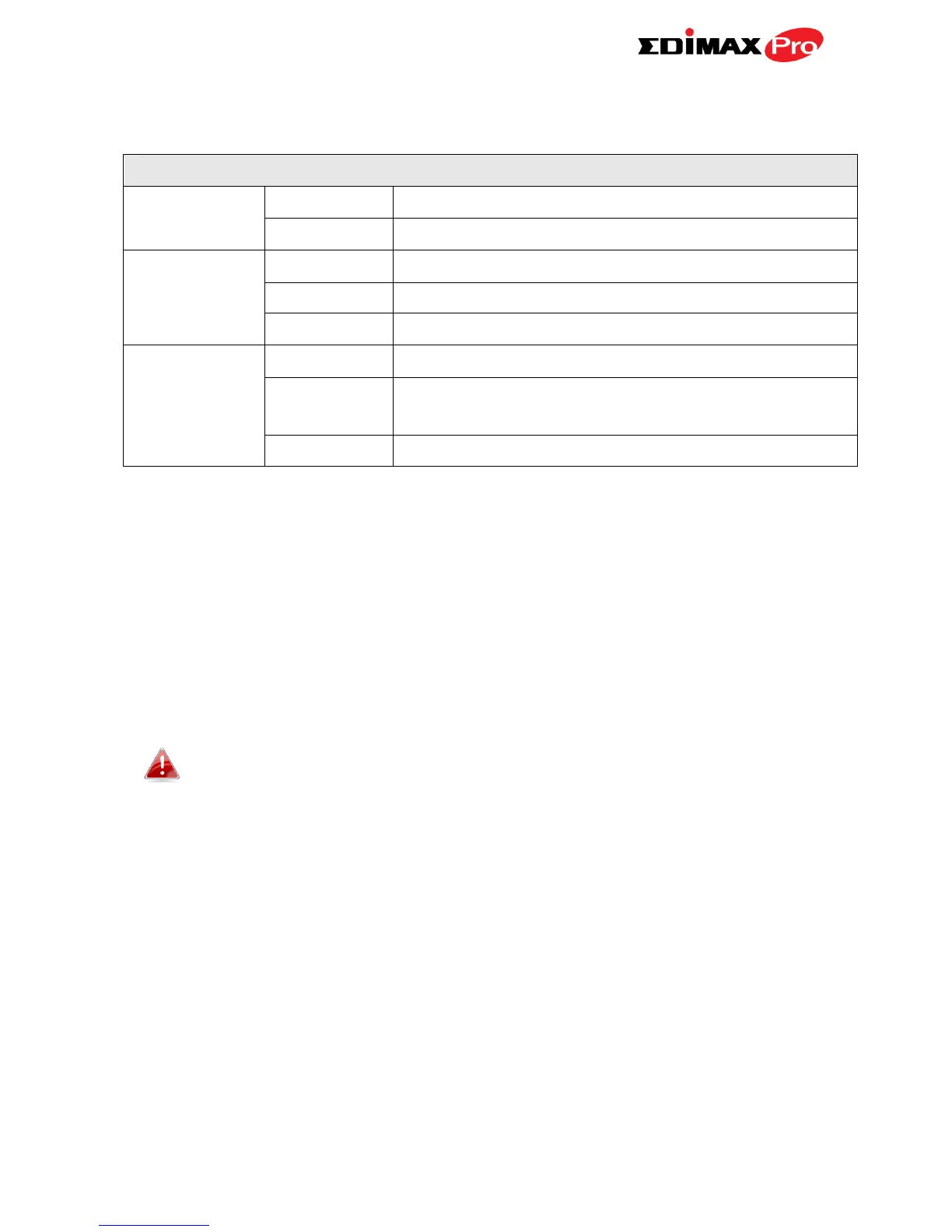
LED Behavior
Power
Blue
The access point is on.
Off
The access point is off.
LAN 1 & 2
Blue
LAN port is connected.
Flashing
Activity (transferring and receiving)
Off
LAN port is unconnected.
Wireless
(Client mode
only)
Blue
Wireless enabled.
Flashing
Excellent/Good/Medium/Bad for RSSI Signal
Strength.
Off
Wireless disabled.
I-5. Reset
If you experience problems with your access point, you can reset the device
back to its factory settings. This resets all settings back to default.
1. Press and hold the reset button on the access point for at least 10
seconds. Then release the button.
You may need to use a pencil or similar sharp object to push the
reset button.
2. Wait for the access point to restart. The access point is ready for setup
when the LED is blue.


Table of Contents

Related product manuals