10
II-2. AP Mode
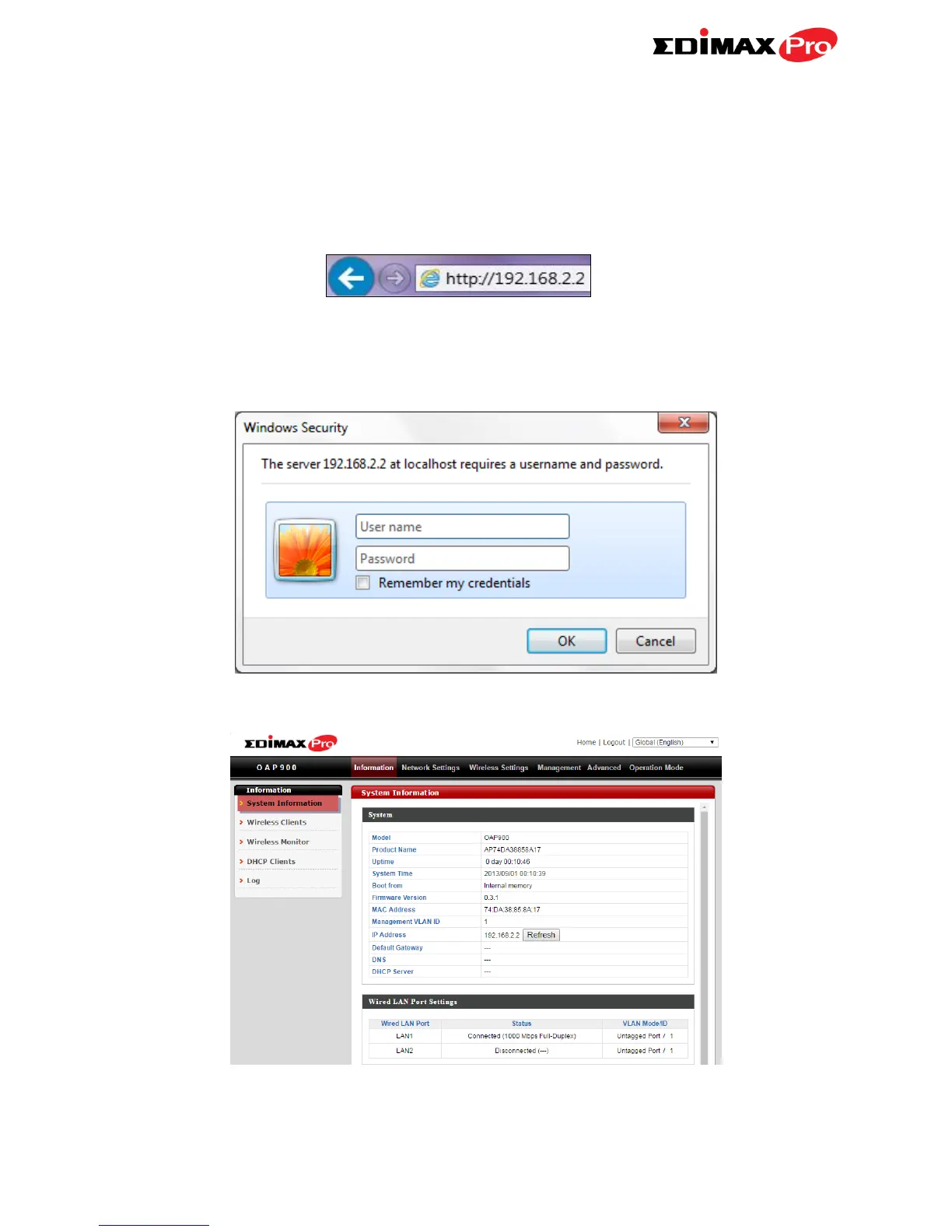
1. Enter the access point’s IP address into the URL bar of a web browser. The
default IP is 192.168.2.2. If the AP is connected to a DHCP server, ensure
you use the correct address.
2. You will be prompted for a user name and password. Enter the default
username “admin” and the default password “1234”.
3. You will arrive at the “System Information” screen shown below.
The next steps will help you to configure the following basic settings of the
access point:



 To Next Page