13
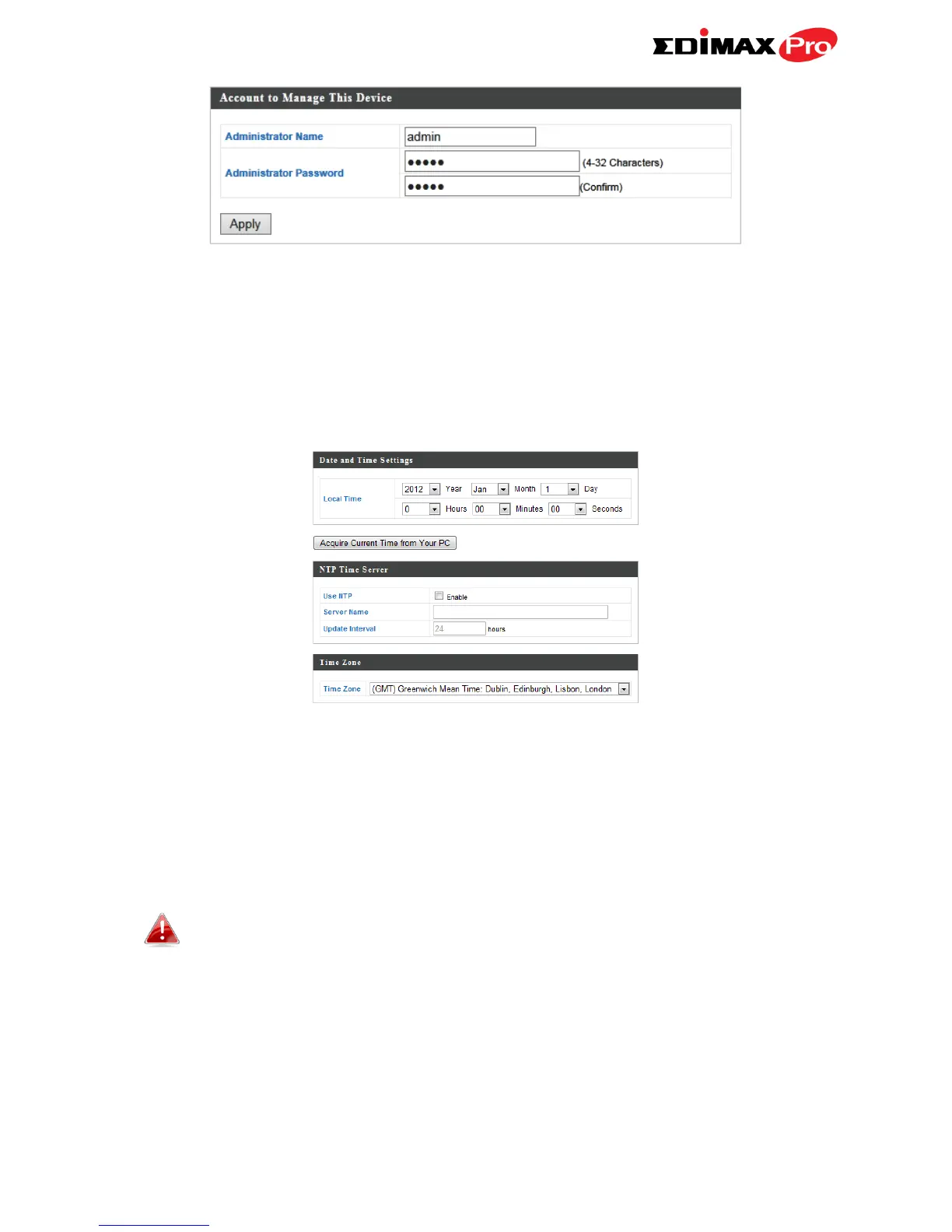
6. Complete the “Administrator Name” and “Administrator Password” fields
and click “Apply”.
7. To set the correct time for your access point, go to “Management” >
“Date and Time Settings”.
8. Set the correct time and time zone for your access point using the drop
down menus. The access point also supports NTP (Network Time Protocol)
so alternatively you can enter the host name or IP address of a time server.
Click “Apply” when you are finished.
You can use the “Acquire Current Time from your PC” button if
you wish to set the access point to the same time as your PC.
9. The basic settings of your access point are now configured.



 To Next Page