15
When using an Edimax NMS AP controller, other connected APs are
automatically set to Managed APs. In the case that the AP Controller
cannot find your OAP900 as a Managed AP, you can configure the
setting manually as below:
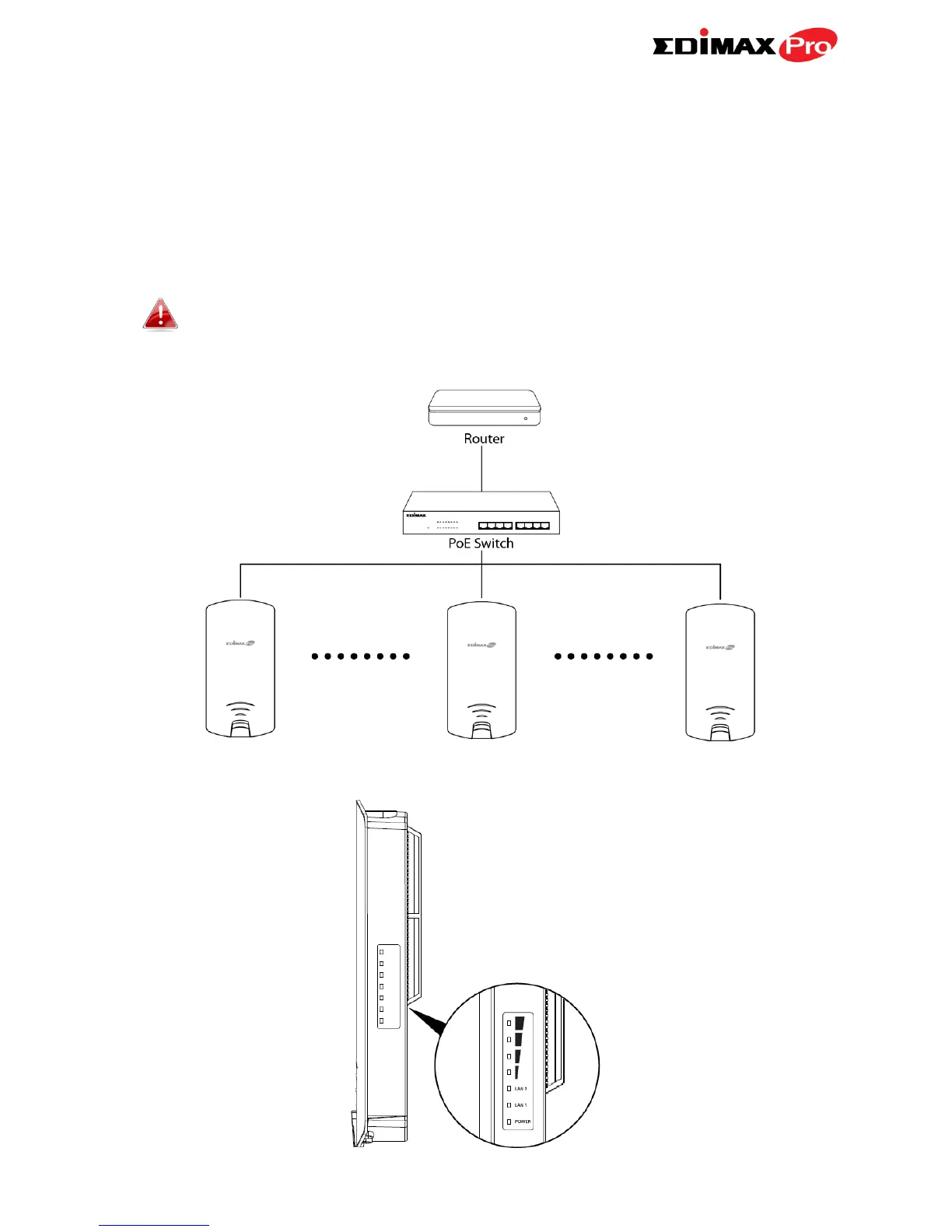
1. Ensure all APs including your OAP900 are connected to an Ethernet or PoE
switch which is connected to a gateway/router.
You can use your router as a DHCP server or you can later
configure your AP Controller as a DHCP server.
2. Ensure all APs are powered on and check LEDs.



 To Next Page