Version of July 30th, 2021 19
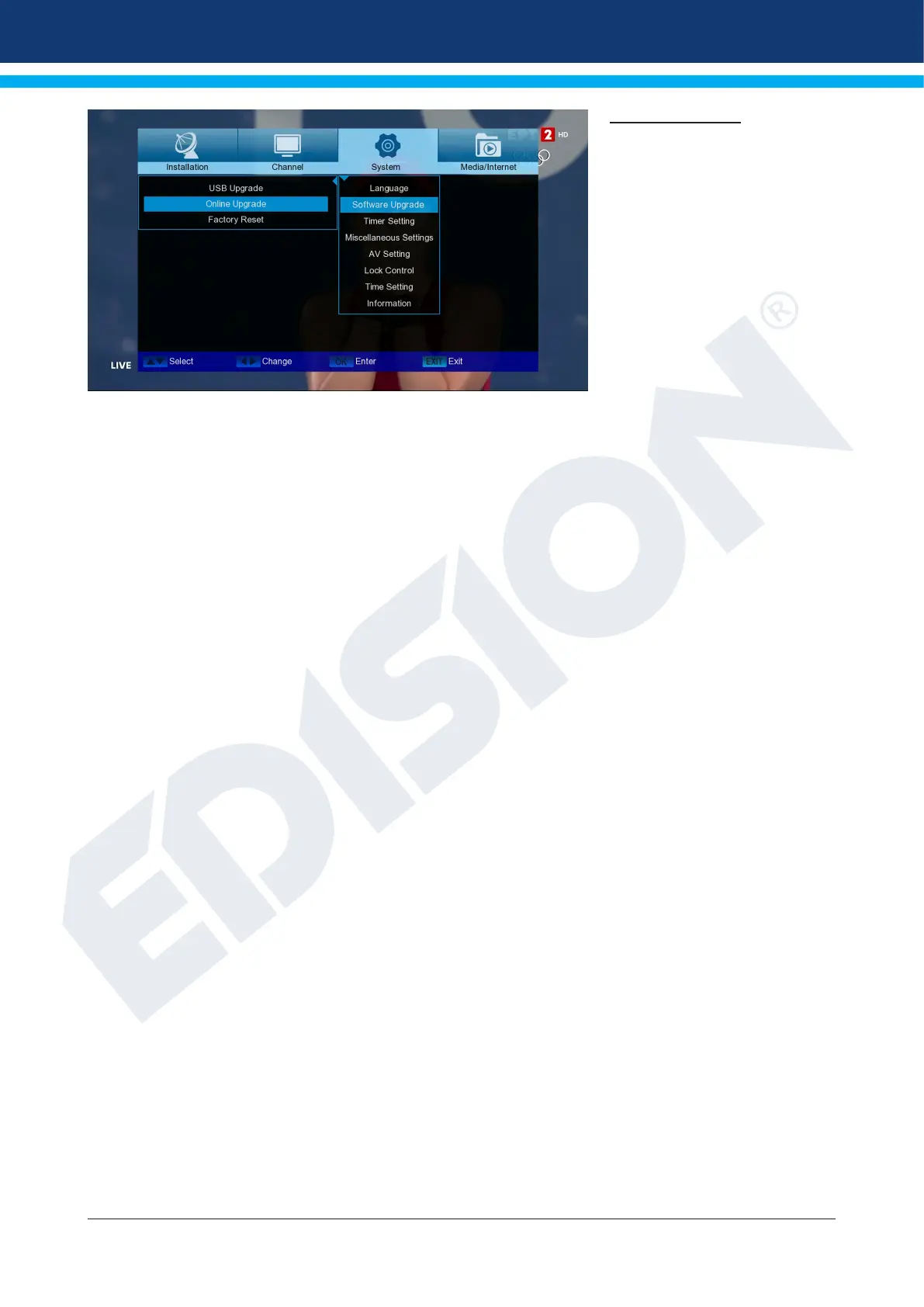
Software upgrade
Basic information:
ΤThis menu is only available if a
suitable USB memory module,
which you recognize from the
receiver, is connected. Other-
wise you do not have access to
this menu.
A further requirement for “USB/
HDD Update” is that the corre-
sponding software le is located
on the USB memory drive. This
le with the “.bin” le extension
you can download it from your
internet-connected computer from the website HYPERLINK “http://www.edision.gr/” http://www.edision.gr
Save the le downloaded to your computer to the USB memory stick and insert it into the “picco T265+” USB
port.
Note: The speed of the update via USB may depend on the organization of the data in the USB memory. It
is recommended to pre-format the USB memory via the “HDD formatting” item in the “USB”/”Memory device
information” menu (start formatting with the yellow key) and then save the Software (.bin) le to it.
Menu functions and settings:
File Path: If the receiver nds les for updating on the USB memory device, it displays them. You can use
the arrows and the OK button to select the le that will be updated. If no le is found, ‘No File’ will appear on
the screen.
Section: With the arrows and the OK button here you can set which parts of the software you want to be up-
dated.
Start: Once you have selected the software le and the update mode, navigate with the up/down arrows to
the “Start” point. Press the OK button to start the update process.
Caution: The Software upgrade starts immediately with the OK button pressed and may not be interrupted.
Exit the “USB/HDD Update” menu by pressing the EXIT key.
HTTP (Online) Update:
Online Update Mode: Specify at this point which area of the software you want to be updated via HTTP (On-
line).
You can choose between Software & Loader or Software.














 To Next Page