Version of 14 June 2016 17
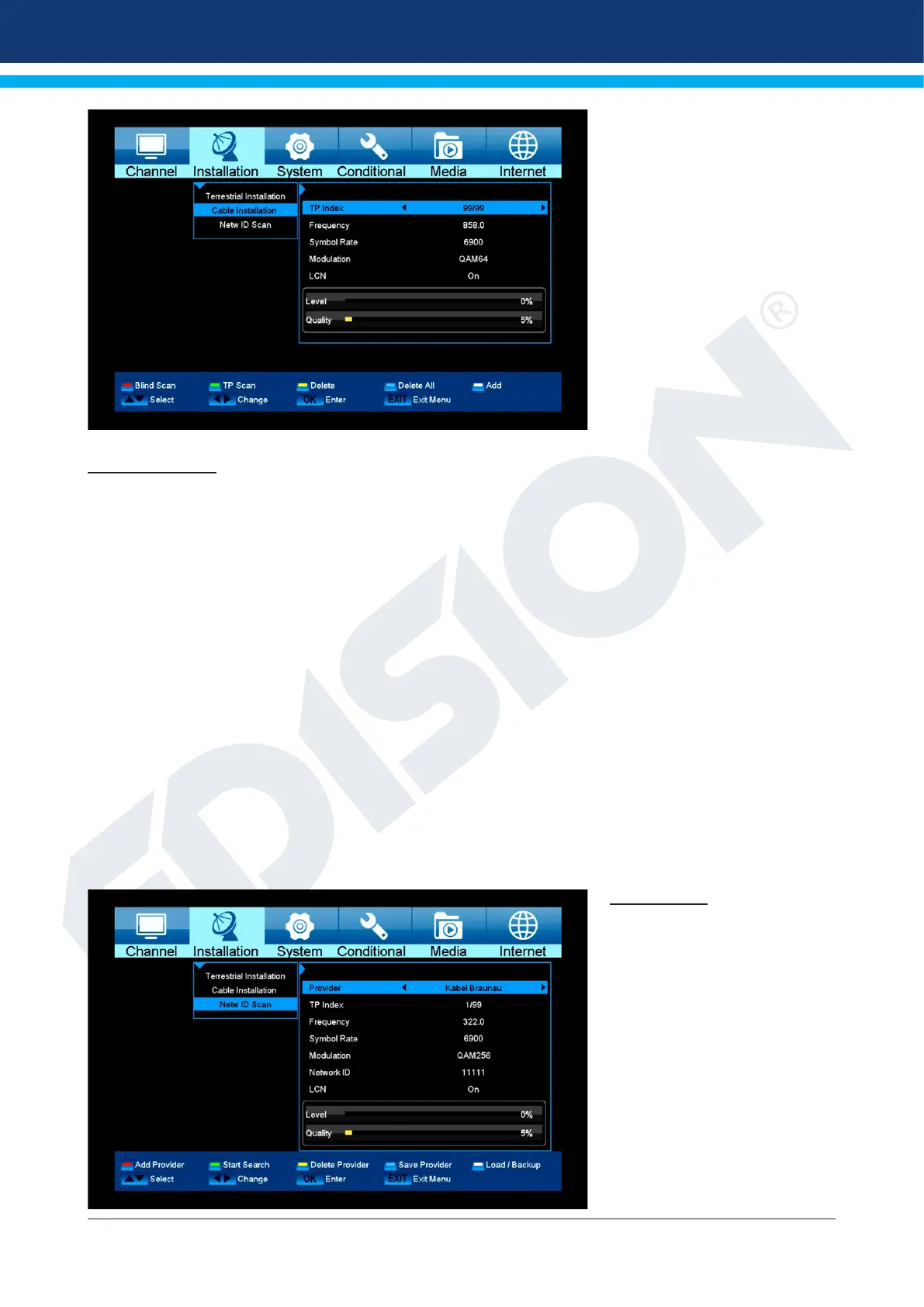
Cable Installation
Press [OK] key to enter the selected item.
1 You can select the Scan Mode, Manual Scan or Blind Scan.
2 You can input the Frequency by use the numeric button of the RCU.
3 You can input the Second Frequency by use the numeric button of the RCU,
if you set the Scan Mode to Blind Scan.
4 You can input the Symbol Rate by use the numeric button of the RCU.
5 You can select the QAM value among 16QAM, 32QAM, 64QAM, 128QAM and 256QAM.
6 You can turn ON or OFF the NIT Search, if you set the Scan Mode to Manual Scan.
7 When you complete your modication, press OK button on Search item to enter Scan menu
and then.
8 Press OK button, it will begin to scan.
Netw ID Scan
For ready-made channels from
cable providers. Then press the
red button.















 To Next Page