Version of 14 June 2016 29
Notes: Use the numeric key 1 to input the following special characters: . , * ? ! @ . Enter the characters _ - / :
via the ZOOM or 0 button. Use the yellow button to delete a character, the green button to switch between
lower and upper case spelling. RSS information channels can be found on the Internet.
Exit the ‘RSS Reader’ menu by pressing the EXIT button.
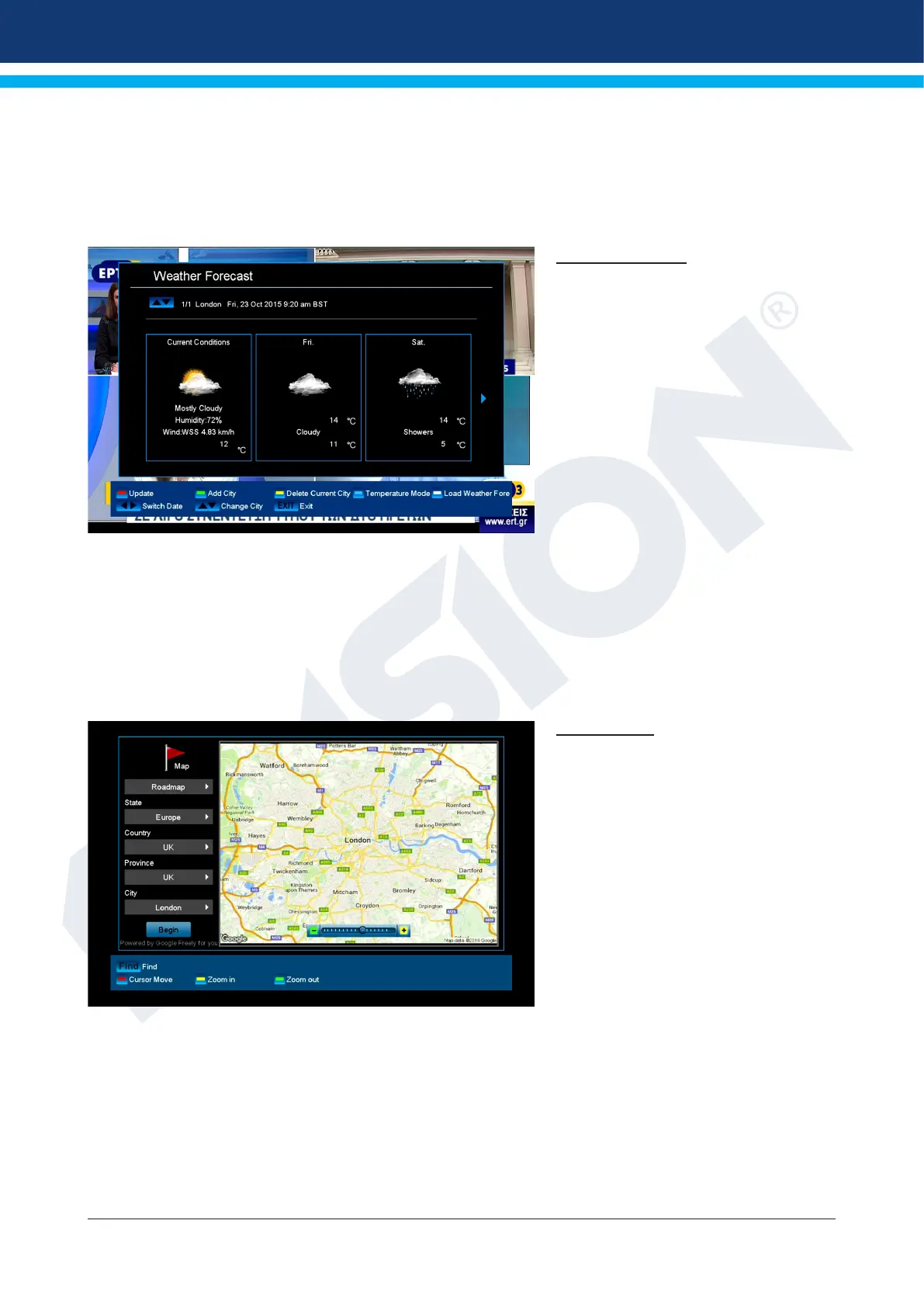
Weather Forecast
It is possible with an Internet connection
to have this menu item display current
weather data for the coming days about
a specic location. Press the green
button and use the arrow buttons to
select and navigate in the letter eld and
the OK button to specify a new location.
To conrm, navigate to the OK eld
and press the OK button on the remote
control.
If several locations are specied, use
the up/down arrow buttons to switch
between the weather data of the various
locations.
Use the left/right arrow buttons to browse a few days forward or back again.
Exit the ‘Weather Forecast’ menu by pressing the EXIT button.
Google Maps
Google Maps offers powerful, user-
friendly mapping technology and local
business information, such as their
exact location, contact information and
guidance to your destination.















 To Next Page