26 Version of 14 June 2016
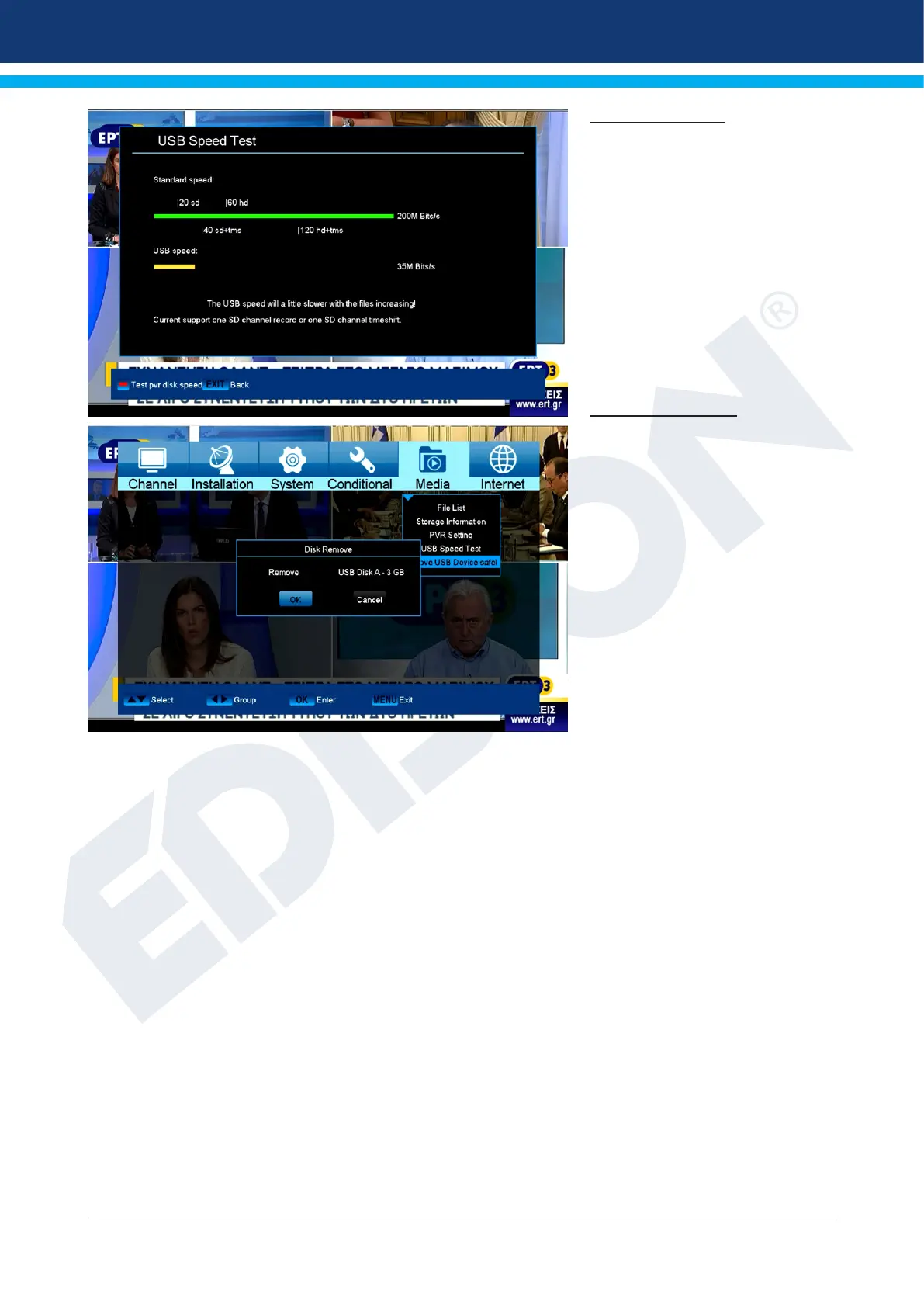
Check-Speed USB
In this menu item you can
control the speed of the connected
USB memory device. The window
displays the estimated transfer /
write speed and if this speed is
suitable for storing high denition
channel content. Furthermore you
see how many channels can be
recorded simultaneously.
Exit menu «USB / HDD Speed
Test» by pressing the EXIT button.
USB Safely Remove
Safely remove the USB device















 To Next Page