22 Version of 14 June 2016
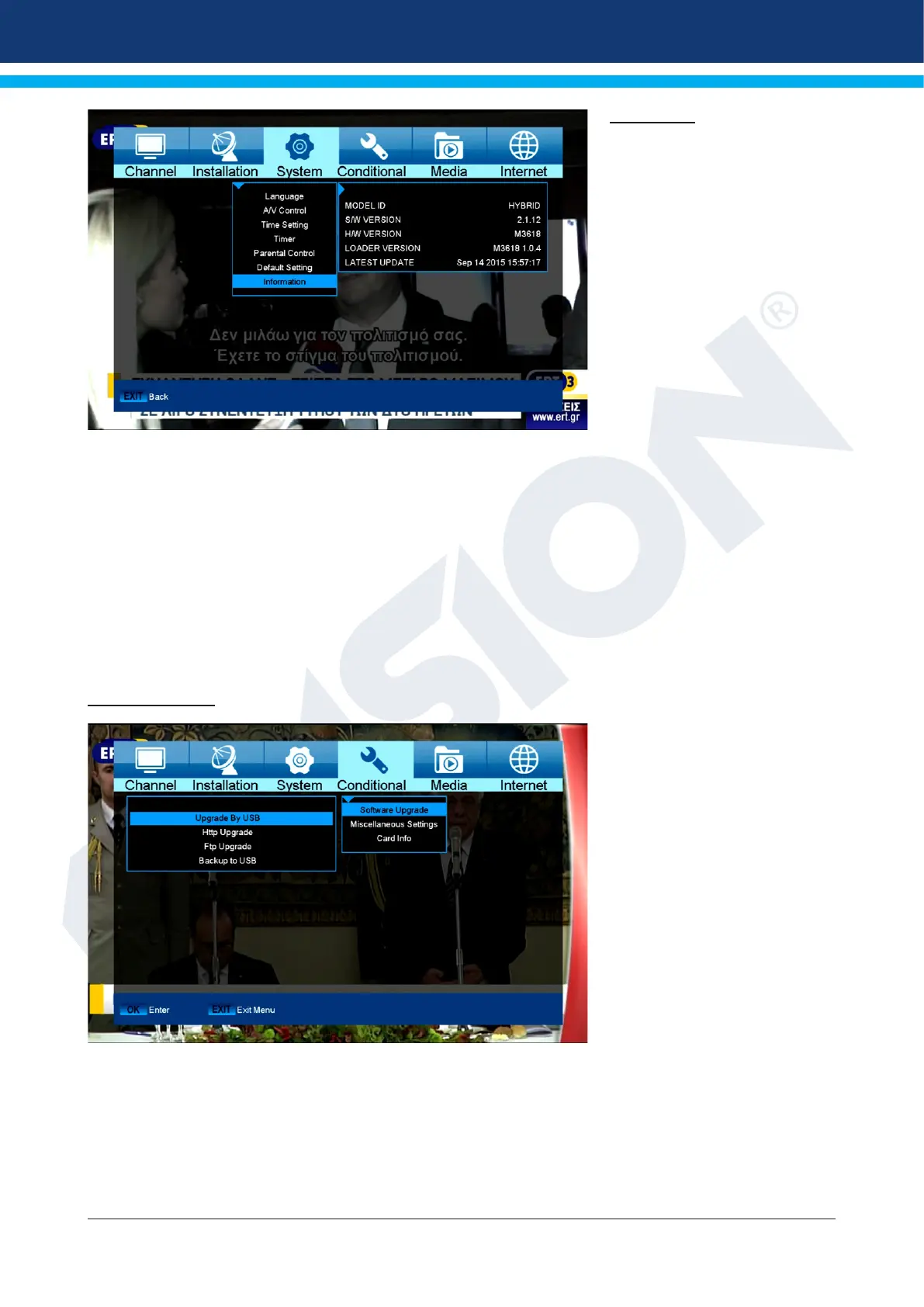
Information
Information about the device is
displayed here. This information
may be relevant when contacting
your dealer. Furthermore, the
version of the receiver software
can be found here.
Exit the ‘Information’ menu by
pressing the EXIT button.
►System
► Software Update
► Miscellaneous Settings
► Card information
Software Update
Http Upgrade
Auto Upgrade
When selecting this menu item,
the receiver tries to connect
with the factory-set server
by EDISION. A correct cable
conguration and providing
the proper values in ‘Network
Settings’ menu item according
to your network, the receiver
connects and retrieves the le
list from the server. File name,
date, time and le size are
displayed. Select the software
le on the ‘.abs’ le type and
press the red button. It is
possible to select the part of the
software to be updated in the appearing dialogue window. After selection, the upgrade process starts and
moves to the following stages:
- Connect...
- Download...
- Delete...
- Write...
- Restart...















 To Next Page