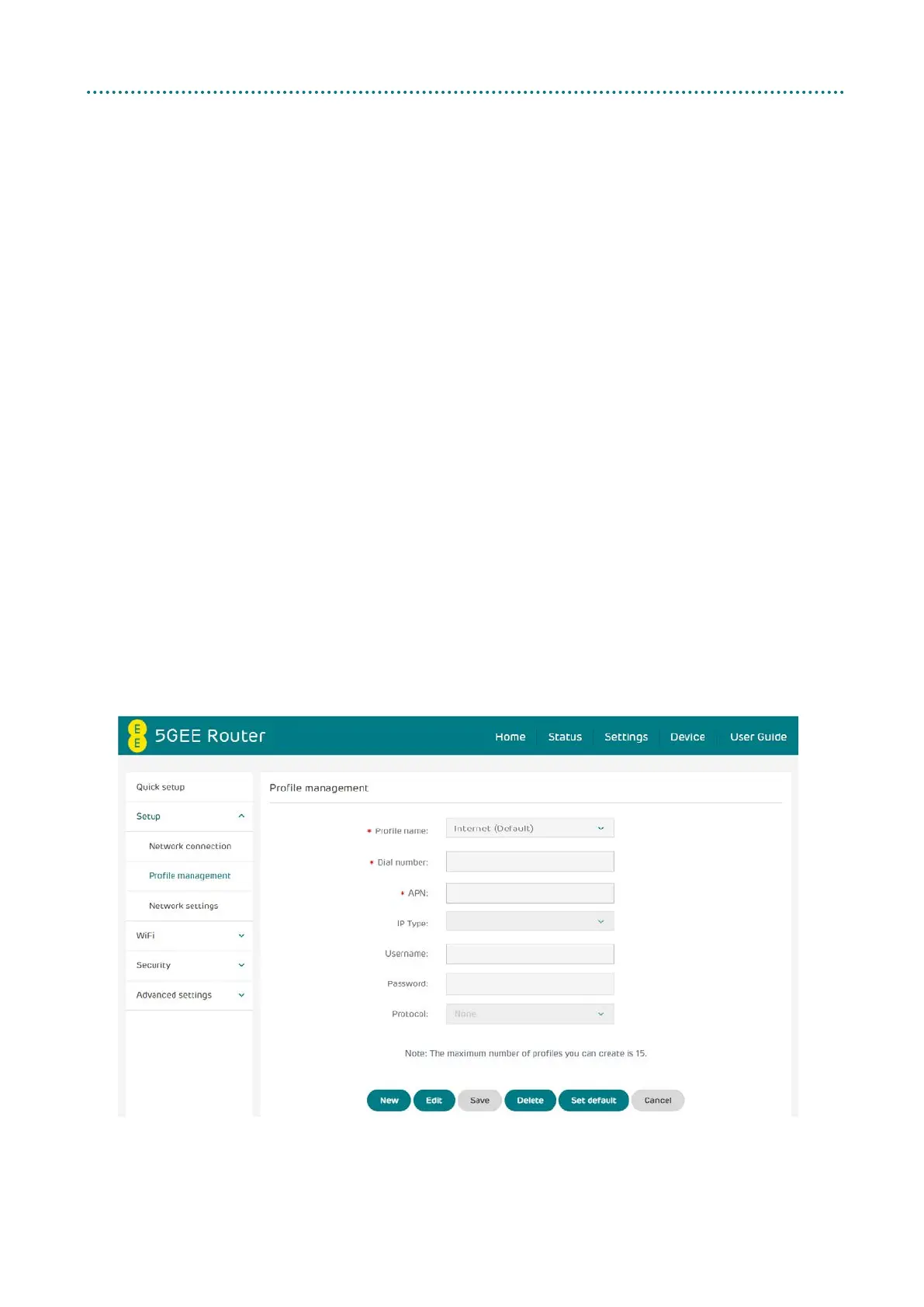
Profile management
Profile management allows you to set up a new APN profile or edit/delete
existing profiles that have been created. Up to 15 profiles can be created.
How to add a new profile:
1. Click New.
2. Input the connection settings for your network provider, a
Profile name and APN are mandatory.
3. Click Save.
How to delete a profile:
1. Select the profile from the Profile name list.
2. Click Delete.
Note: The default profile cannot be deleted.
Setting as default:
1. Select the profile from the Profile name list.
2. Click Set default.
Note: Once the new profile has been set as default, (Default) will
be shown next to the profile name.



 To Next Page