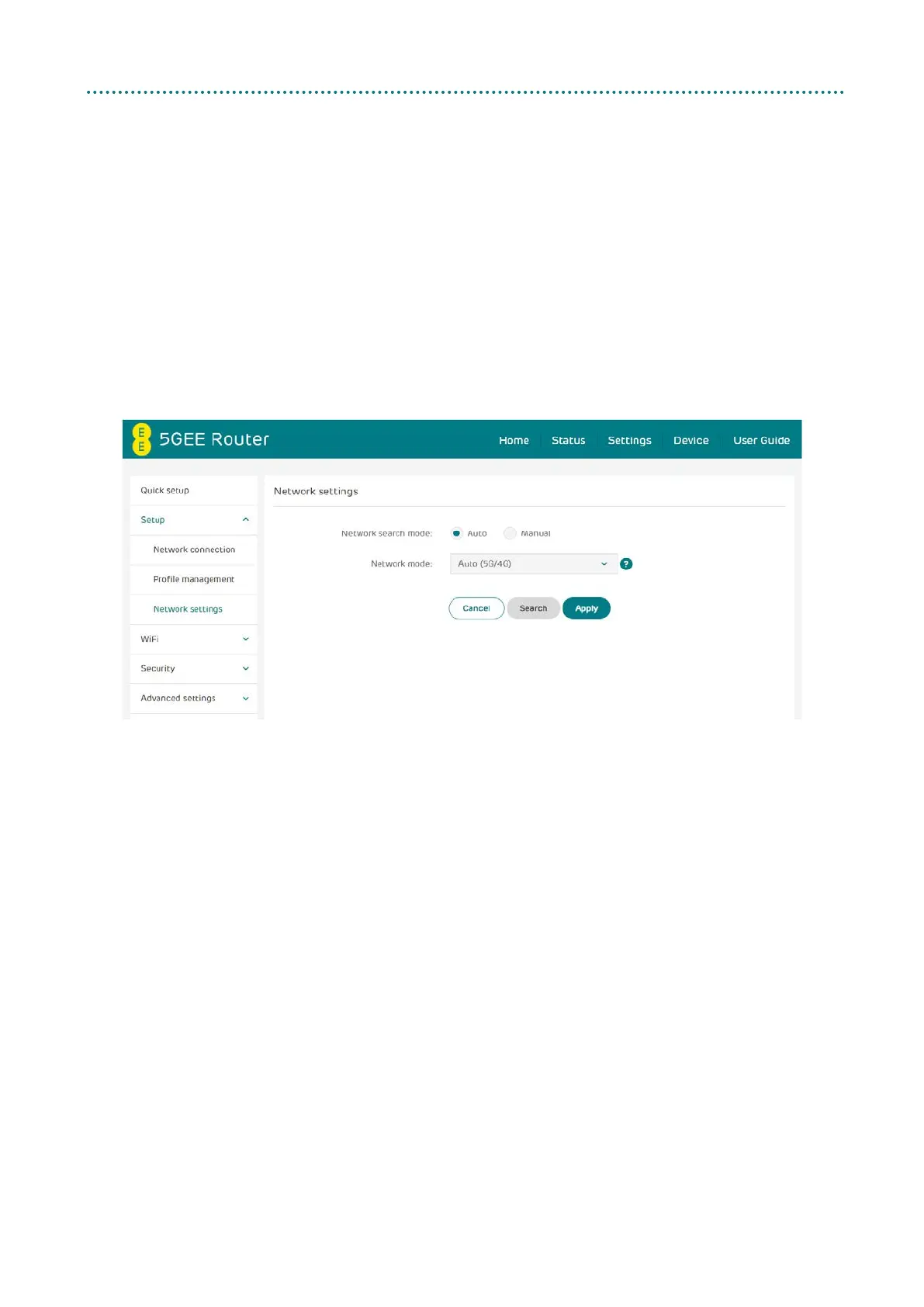
Network settings
You can set the Network search mode to either Auto or Manual and
change the network mode to either Auto (5G/4G) or 4G only.
Be sure to click Apply after making any changes.
If the Network search mode is set to Manual you can click Search to scan
for networks and Register to connect to the network.
Note: It is recommended that you keep the Network search mode set to
Auto.



 To Next Page