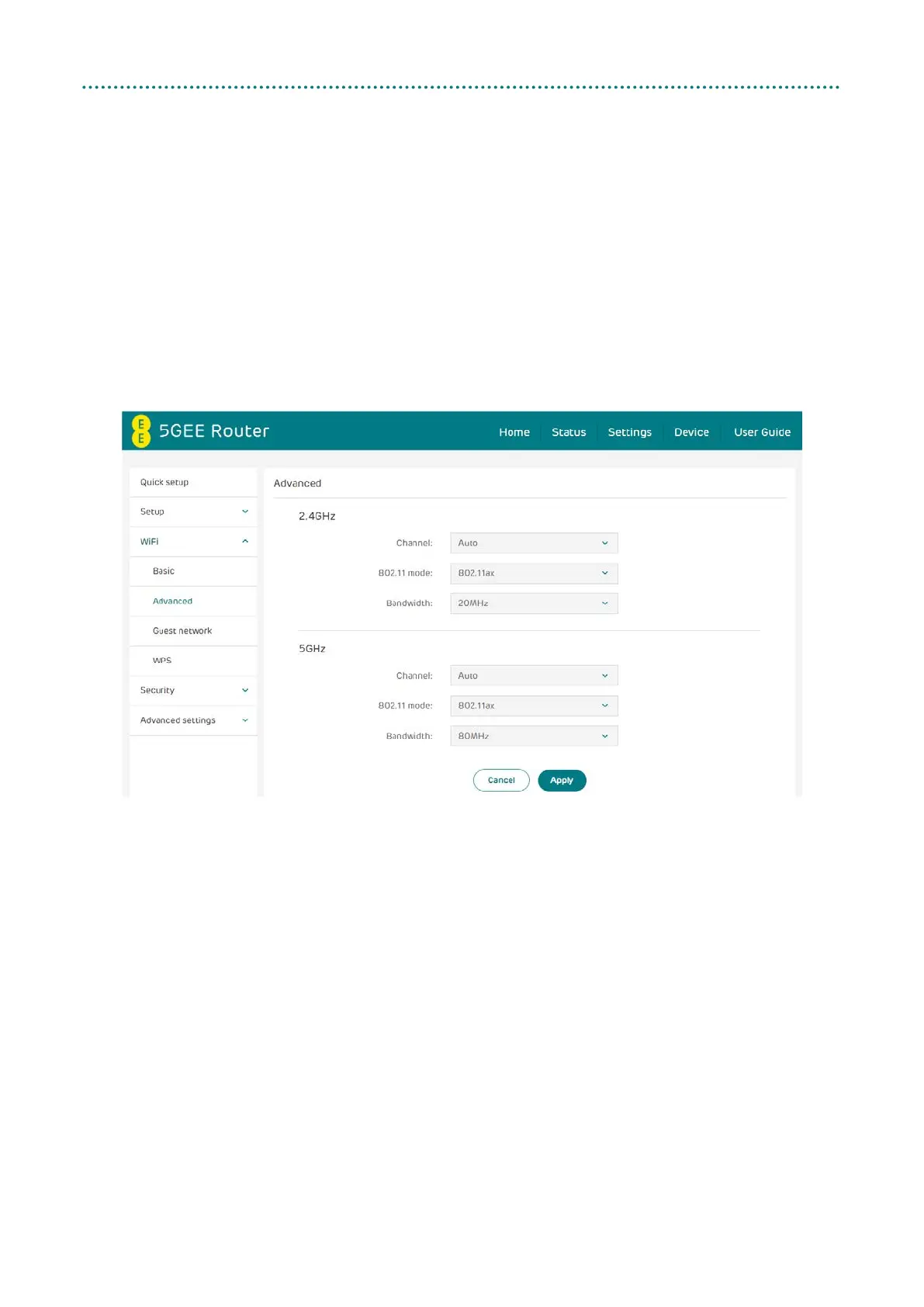
Advanced
• Channel: Select Auto and the 5GEE WiFi will select the best channel for
you to use automatically, or select a WiFi channel manually.
• 802.11 Mode: Select from the available options through the drop-down
menu. For 2.4 GHz and 5 GHz, this is set to 802.11ax by default.
• Bandwidth: You can select from the available options through the drop-
down menu. For 2.4 GHz, this is set to 20 MHz by default. For 5 GHz,
this is set to 80 MHz by default.



 To Next Page