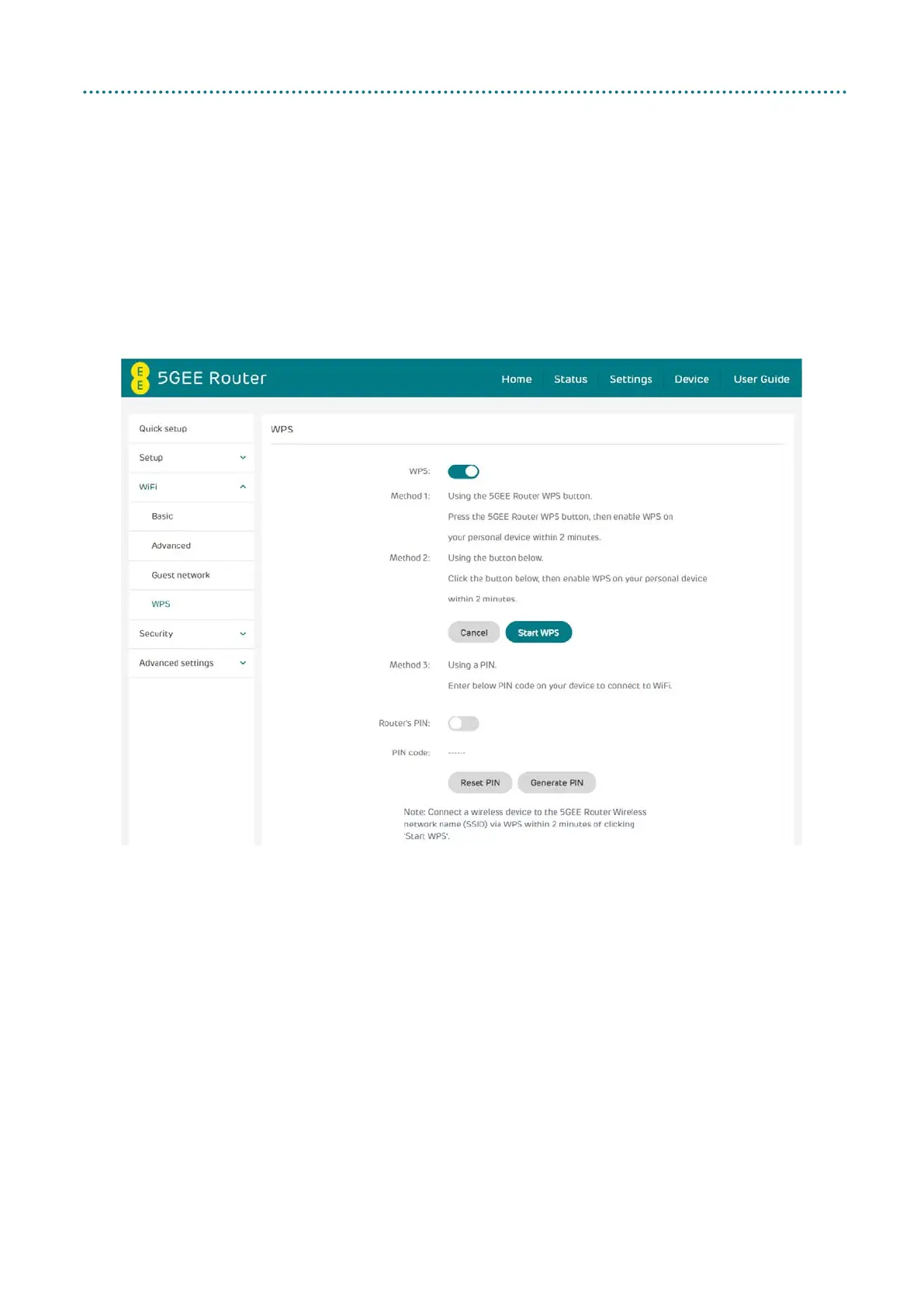
WPS
WPS: Enable WiFi Protected Setup (WPS) and click Start WPS to start
connecting a WPS compatible device to the 5GEE Router.
Note: Connect a wireless device to the 5GEE Router wireless network
name (SSID) through WPS within 2 minutes of clicking WPS.
WPS will be disabled if WiFi security is set to WPA3 or Disabled, or if SSID
broadcast is turned off.



 To Next Page