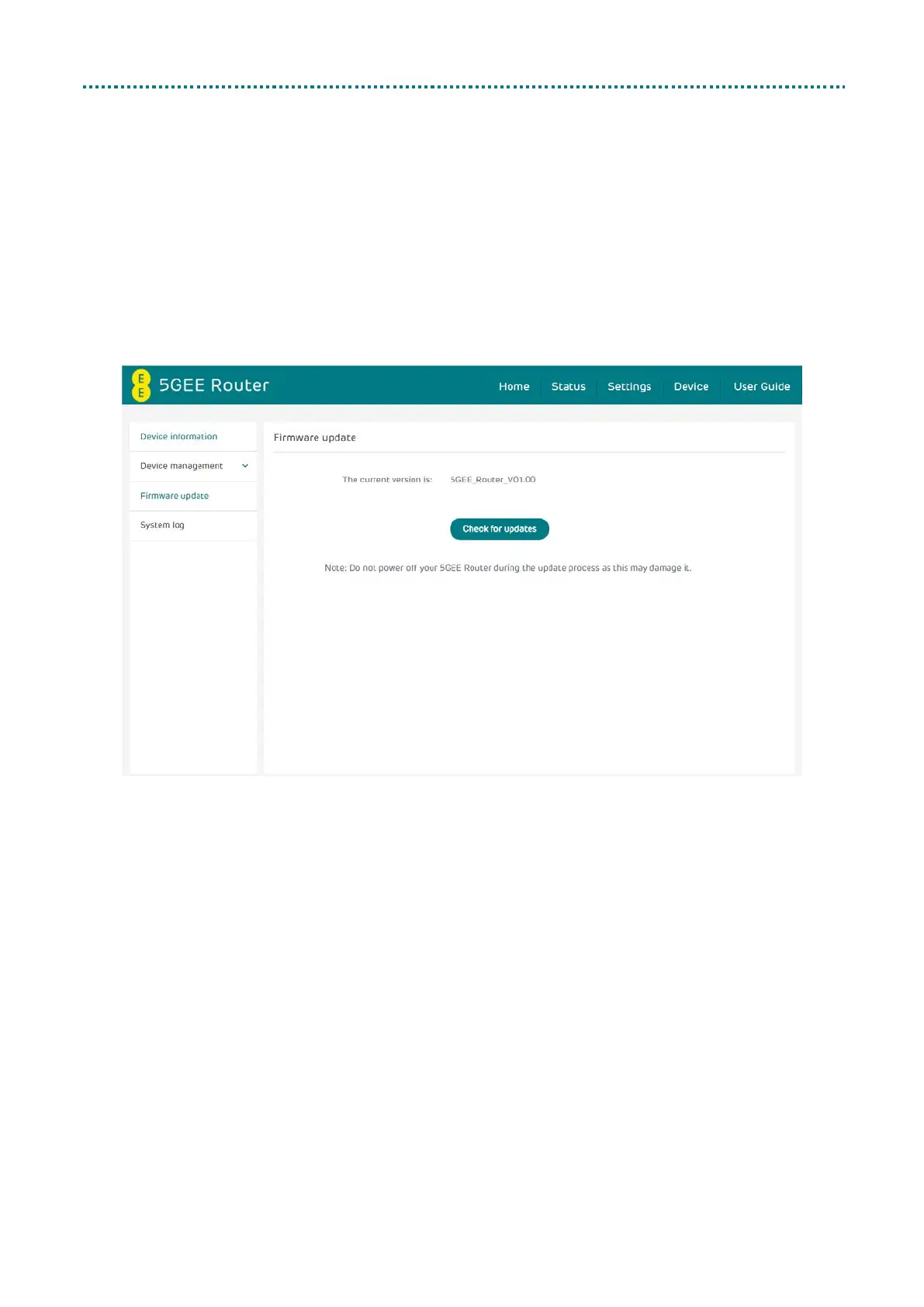
Firmware update
Click Check for updates. Your 5GEE Router will check if there is an update
available. If new firmware is found, you may click Download to begin the
update. The firmware update will take approximately 4 minutes to
complete.
Note: Please do not power off your 5GEE Router during the update
process as this may damage it.



 To Next Page