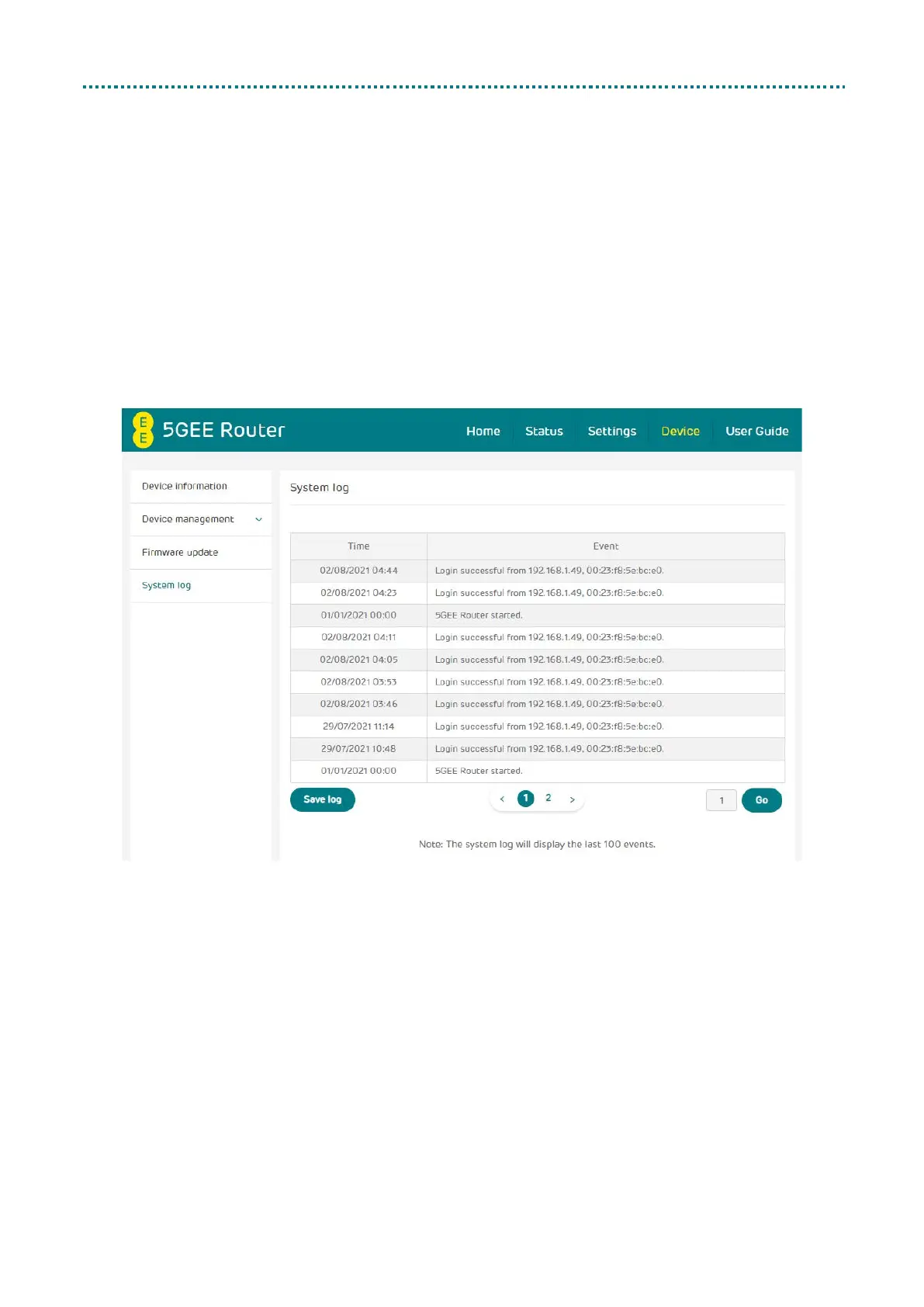
System log
Click System Log, your 5GEE Router will show a list of important events
that have occurred since your 5GEE Router was last turned on or
restarted. The events include successful/failed login, login password
change, 5GEE Router restarted, reset to default, configuration restored
and firmware updated.
Click Save log to save the log file locally as a csv file with the default
filename ‘system.log’.



 To Next Page