Parameterization
Page 38 of 72 MSM-USM2G-BA-UK-004
Below the main menu bar the menu path and the user are displayed.
In the main part of the page, the "Parameters/Devices/Master device" menu is already open. It would
be possible to start immediately with the parameterization of the fault message functionality of the
basic device. In this manual, however, we would like to explain the individual menus in the order in
which they appear in the menu bar.
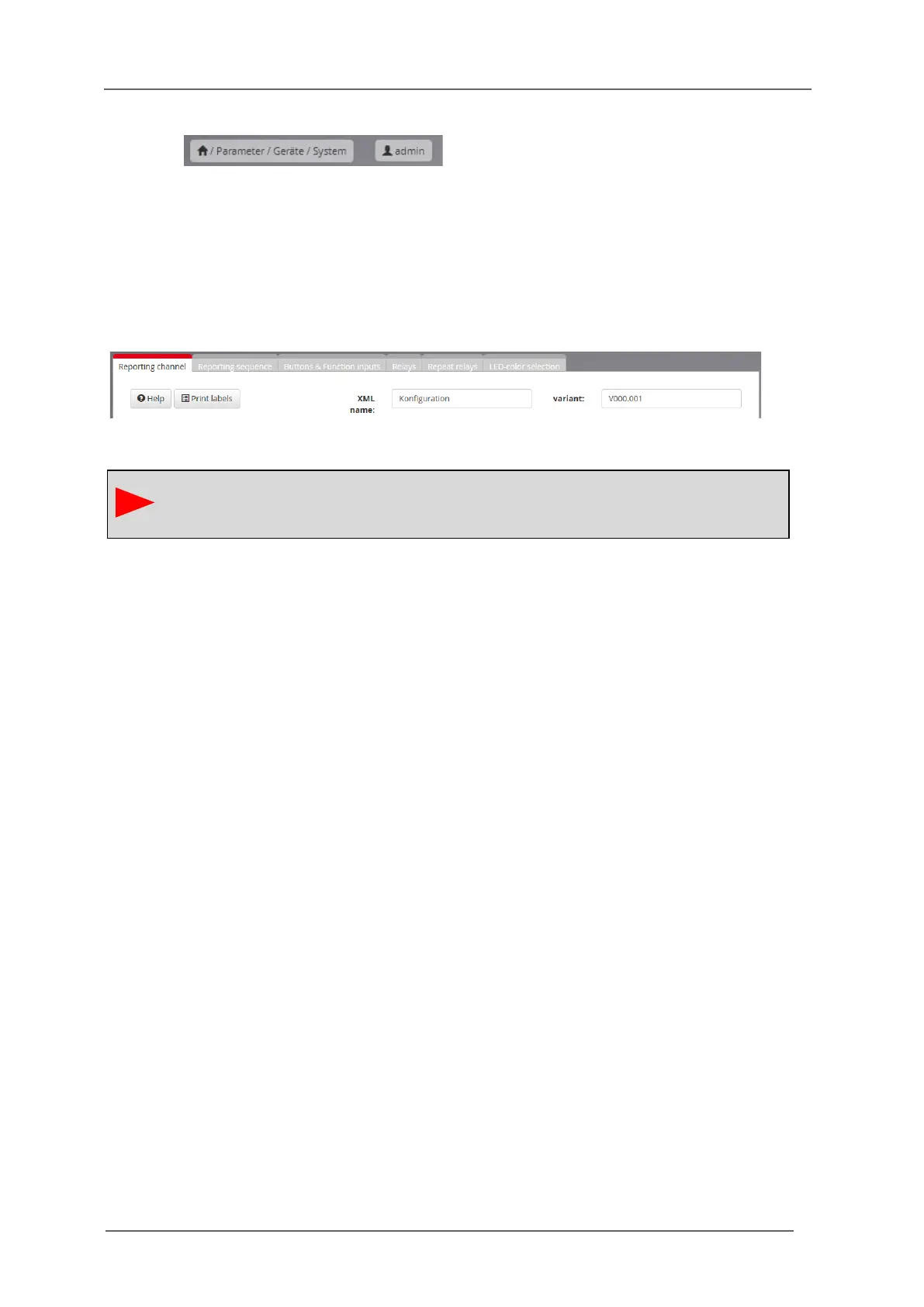
Some dialog pages are structured in the form of card tabs and contain additional buttons. The function
of these elements is explained in the description of the respective pages.
Fig. 5.3: Tabs and buttons on the page „Master device“
When switching between different menus or tabs, the changes will be buffered but not
stored to the current configuration of the annunciator. This is only done with the action
"Accept configuration".


 To Next Page