No test operation is possible for the types 1000RM and 1500RM.
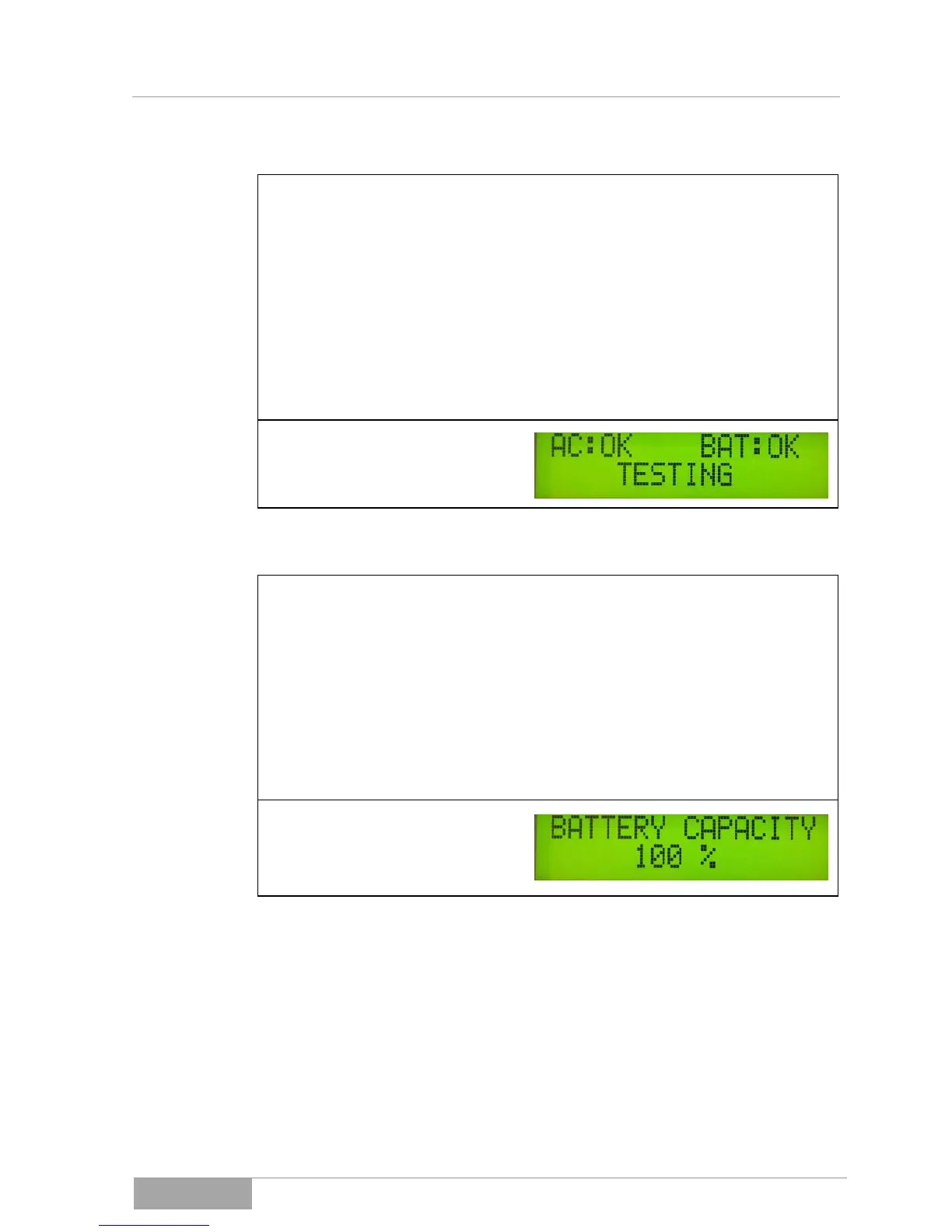
If the UPS is in mains operation, you can switch to test operation by simul-
taneously pressing, for approx. 3 seconds, the key "Menu selection" and the
key "Menu up." This switches to support operation for approx. 10 sec.
Display/warning:
– red LED (FAULT)
– yellow LED (WARNING)
– green LED (NORMAL).
Display "BAT INVERTER" and yellow LED (WARNING) for approx. 10 sec.
No acoustic warning.
If an overload is present at the UPS output, the UPS switches, independent-
ly of the overload, to the inverter mode after a maximum of 30 seconds. You
can switch to the load display by pressing the key "Menu down."
Display/warning before switching:
The green LED (NORMAL) and the yellow LED (WARNING) light up;
The acoustic warning sounds in the sequence (A);
(Beep -> long pause (4 sec.) -> Beep -> ..., repeating).
Display/warning after switching to inverter mode:
Only the yellow LED (WARNING) lights up; the acoustic warning sounds in
a continuous tone sequence (D).



 To Next Page